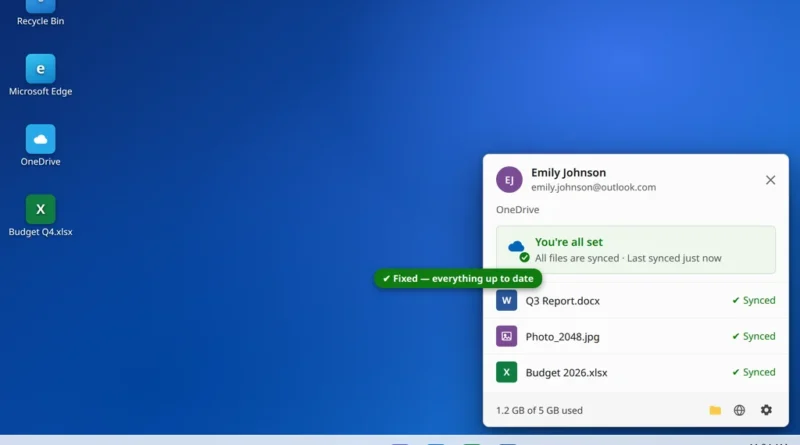
OneDrive Not Syncing on Windows 11? 9 Fixes
You save a file to OneDrive, switch to another device — and it is not there. Or the OneDrive cloud
Read More
Windows, Outlook, Teams & PC Errors Fixed Step by Step
Windows, Outlook, Teams & PC Errors Fixed Step by Step
Word, Excel, OneDrive and the rest of the Microsoft Office family sit at the center of most people’s work, so an Office app that refuses to open — or a OneDrive that quietly stops syncing — quickly becomes lost work rather than a small annoyance. The guides in this section cover the desktop apps on Windows 11: what to do when an app will not start, how Safe Mode and add-in checks isolate the cause, when the built-in Office repair is the right answer, and how sync clients like OneDrive signal what is wrong through their tray icons and status messages.
For documents, Microsoft Word not opening on Windows 11 follows the fix order that solves most cases: ending a stuck WINWORD.EXE process, a Safe Mode start, disabling add-ins, and replacing the Normal.dotm template before any reinstall. For files, OneDrive not syncing on Windows 11 covers the five usual causes — paused sync, full storage, invalid characters in a file name, the wrong account, and a single stuck oversized file — plus the official reset command for when nothing else moves it.
Using another Office app that is giving you trouble? The same Safe Mode and repair approach in these guides applies to Excel and PowerPoint too — or ask us at servicedesk@howtofixerroronline.com, available 24 hours.
You save a file to OneDrive, switch to another device — and it is not there. Or the OneDrive cloud
Read More