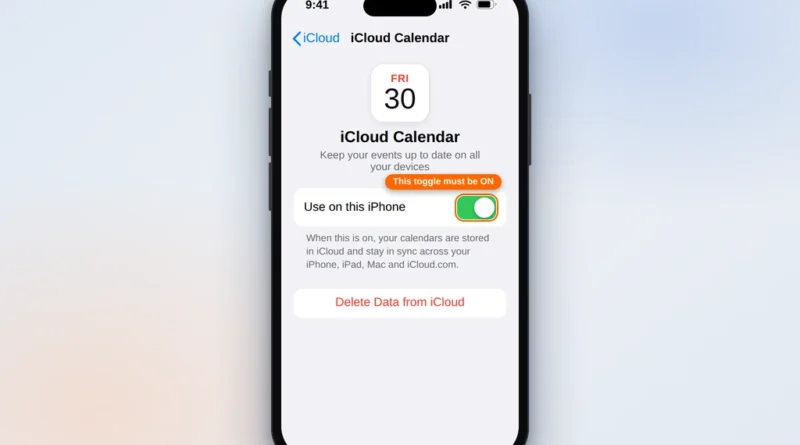
iPhone Calendar Not Syncing? 8 Fixes That Work
You add an appointment on your iPhone and it never appears on your iPad, your computer, or the web. Or
Read More
Windows, Outlook, Teams & PC Errors Fixed Step by Step
Windows, Outlook, Teams & PC Errors Fixed Step by Step
A calendar that will not sync is worse than no calendar at all, because you trust it — right up until a meeting never appears on your phone, or an invitation you accepted on your laptop is missing everywhere else. Sync problems usually trace back to one of a few quiet causes: the calendar toggle switched off for that account, the wrong calendar set as the default, new data set to fetch manually instead of being pushed, or an account that needs to be removed and added again. The guides in this section cover Outlook and iPhone calendars, explain which of those causes matches your symptoms, and fix it without wiping your existing events.
If your desktop calendar is the problem, start with Outlook calendar not syncing — nine fixes covering the shared-calendar, add-in and profile issues behind most Outlook sync failures. If your events exist on iCloud or in another account but never reach your phone, iPhone calendar not syncing works through the iCloud toggles, default-calendar setting and Fetch options in the order that fixes it fastest. Both guides note the cases where nothing is actually broken — for example, Gmail calendars cannot push to the built-in iPhone app, so a short delay there is normal rather than a fault.
Calendar still not syncing after the guides? Tell us which devices and accounts are involved at servicedesk@howtofixerroronline.com — available 24 hours.
You add an appointment on your iPhone and it never appears on your iPad, your computer, or the web. Or
Read More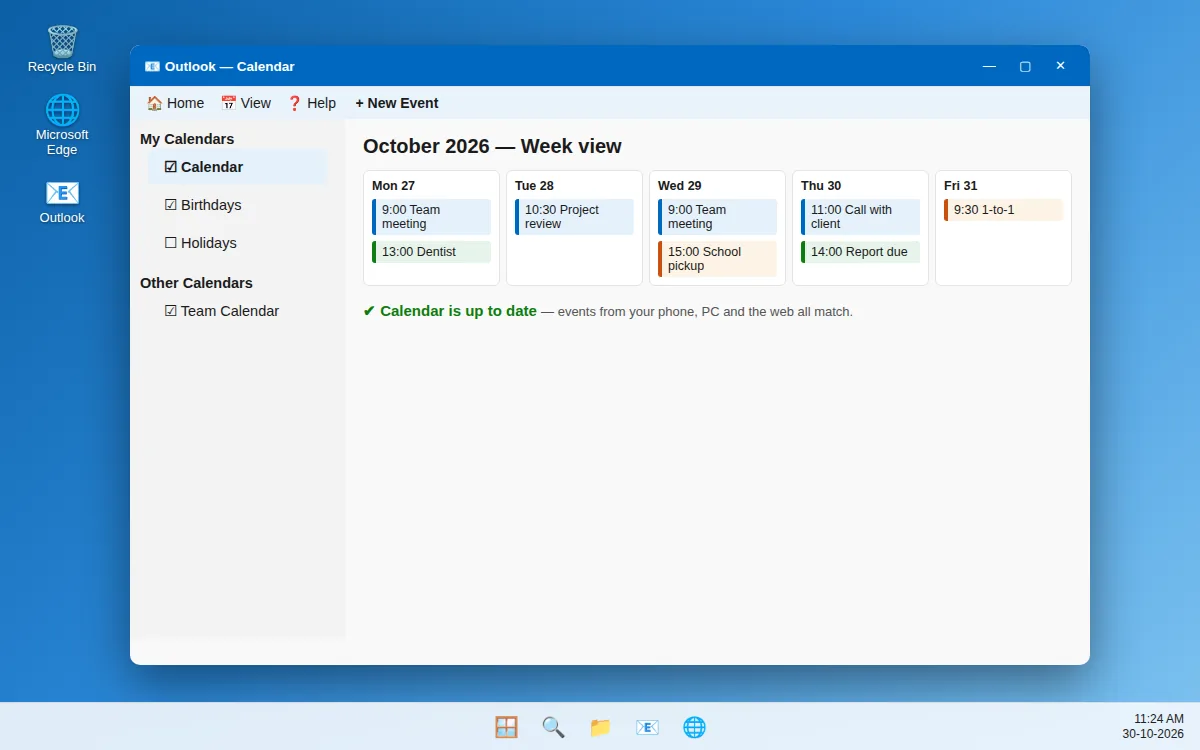
You add a meeting on your phone, and it never shows up in Outlook on your PC. Or a colleague
Read More