Contacts Disappeared From iPhone? 8 Ways to Get Them Back
You open Contacts to call someone, and the list that used to hold hundreds of names is suddenly showing a
Read More
Windows, Outlook, Teams & PC Errors Fixed Step by Step
Windows, Outlook, Teams & PC Errors Fixed Step by Step
Few tech problems feel as personal as opening your contacts and finding people missing. The reassuring truth is that contacts are very rarely deleted — far more often they are hidden by a group filter, switched off for one account, or simply stored in iCloud, Gmail or Outlook while your phone or app is looking somewhere else. The guides in this section start with those “they are probably not gone” checks before moving to genuine recovery options, so you do not risk overwriting good data while trying to fix a display setting.
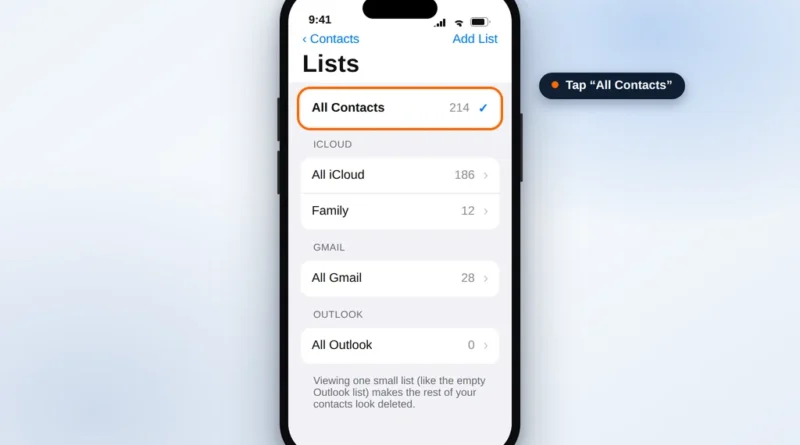
On a computer, the common case is Outlook: Outlook contacts not syncing or missing covers the address-book view, account and sync issues that make contacts seem to vanish. On a phone, Contacts disappeared from iPhone walks through the Lists view that hides whole groups, the iCloud Contacts toggle, other accounts’ switches, and — only if those fail — restoring an earlier contact set from iCloud.com, with honest warnings about what a full backup restore replaces. Both guides end with simple habits that keep your contacts safe: one account as the single home for contacts, and a periodic exported backup.
Still cannot find a contact after these checks? Email us at servicedesk@howtofixerroronline.com — available 24 hours — and tell us where the contacts were stored before they disappeared.
You open Contacts to call someone, and the list that used to hold hundreds of names is suddenly showing a
Read More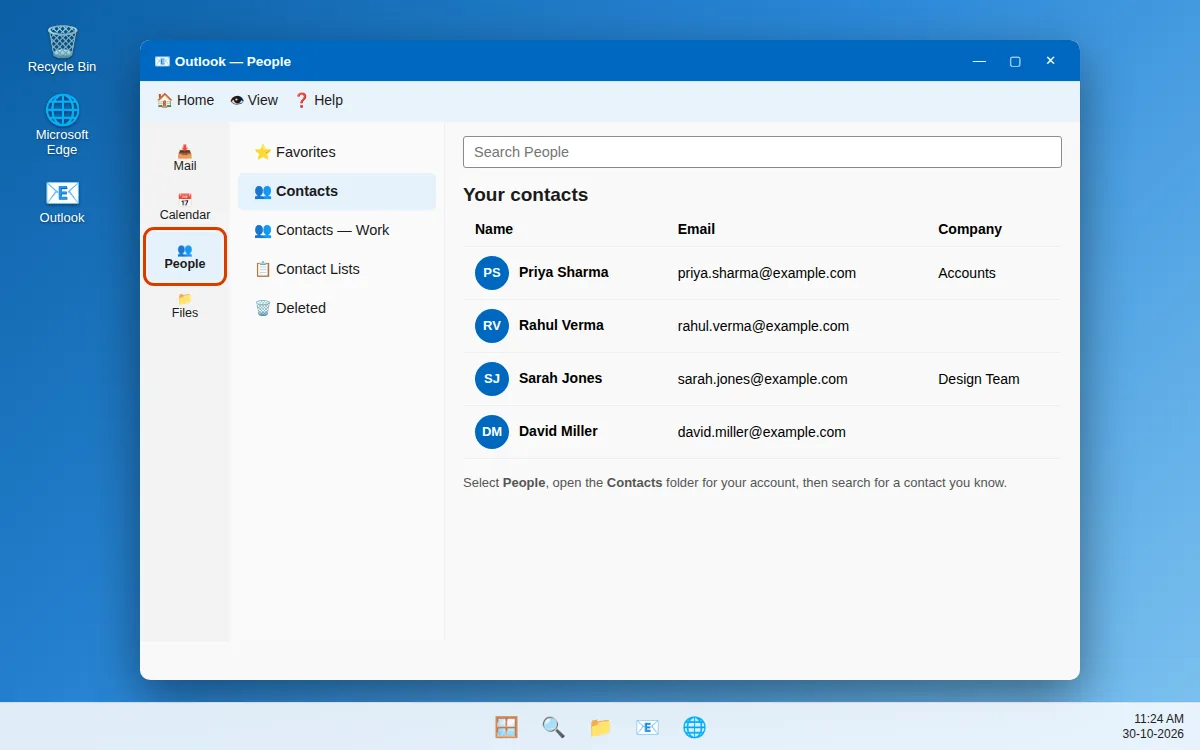
You open Outlook to find a phone number, and the contact is not there. This is the outlook contacts missing
Read More