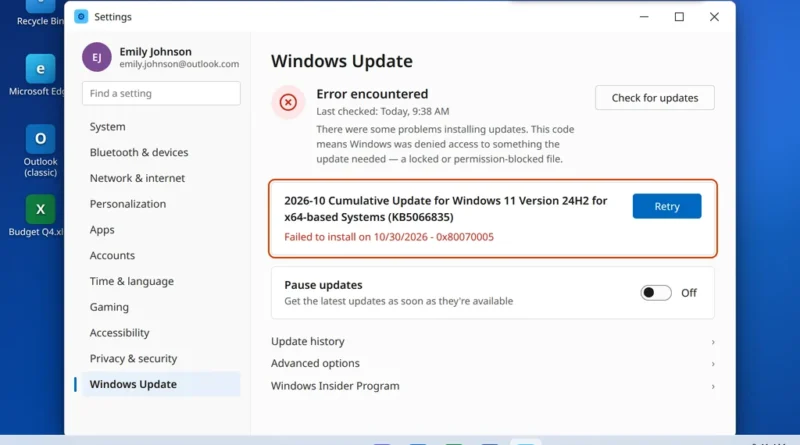
Windows Update Error 0x80070005 (Access Denied)? 8 Fixes
You run Windows Update, the download completes, the install gets partway — and then it stops with the code 0x80070005.
Read More
Windows, Outlook, Teams & PC Errors Fixed Step by Step
Windows, Outlook, Teams & PC Errors Fixed Step by Step
Windows 11 is usually reliable — until the morning it isn’t. A Start menu that ignores your clicks, an update that fails with a code you have never seen, or WiFi that vanishes after a restart can stop your whole day, and the built-in error messages rarely explain what actually went wrong. This section collects our Windows 11 fix guides: each one explains the cause in plain English first, then walks you through the repairs in a sensible order, from the quick restart-and-check steps to the deeper system repairs, with a screenshot for every step so you always know you are clicking the right thing.
Start with the problems readers hit most often. If the Start button does nothing, work through our Windows 11 Start Menu not working fixes. If your laptop suddenly cannot get online, our WiFi not working on Windows 11 guide covers everything from the adapter check to a full network reset. And if an update has stalled with an error code, the Windows Update error 0x80070002 guide explains what the code means and the nine fixes in order — you can also look your code up on our Error Codes page.
Hitting a Windows error that isn’t covered here? Email us at servicedesk@howtofixerroronline.com — available 24 hours — with the exact message Windows shows you, and we will point you in the right direction.
You run Windows Update, the download completes, the install gets partway — and then it stops with the code 0x80070005.
Read More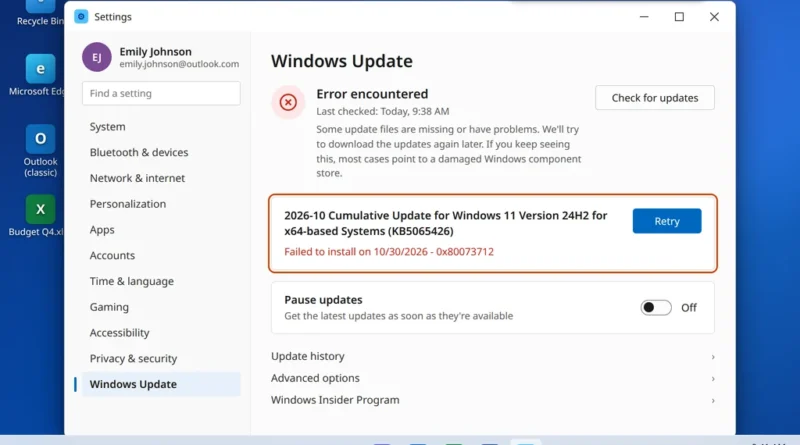
You run Windows Update, the update downloads, the install begins — and then it fails with the message “Some update
Read More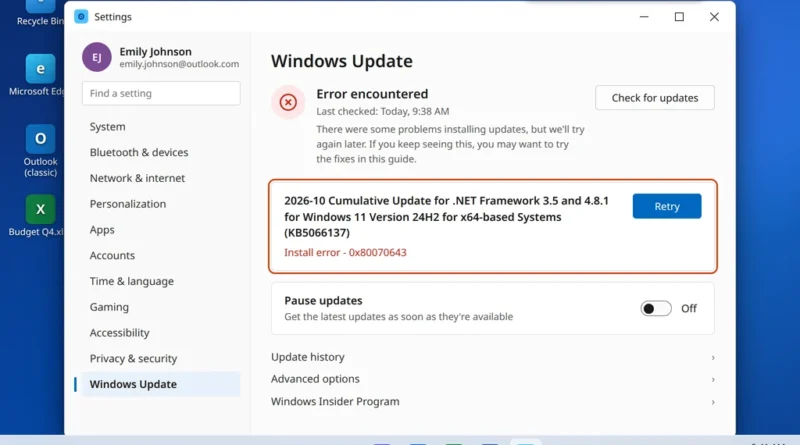
Windows Update downloads the update, the install bar starts moving — and then it stops with a short line: Install
Read More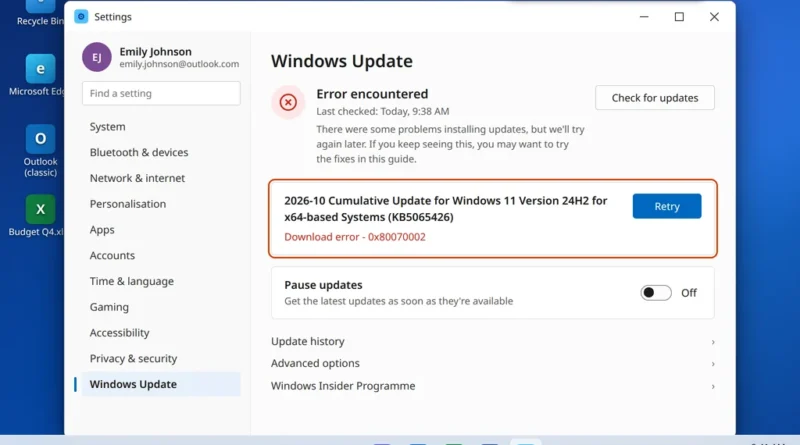
You open Windows Update, the download seems to run, and then it stops with a short message: “There were some
Read More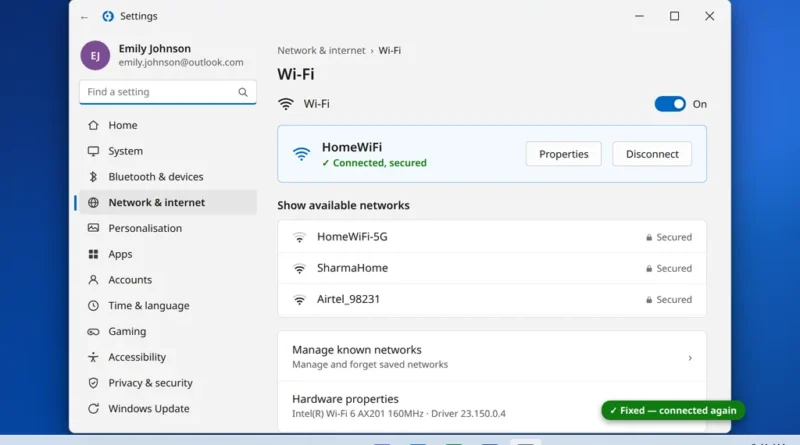
Your laptop suddenly refuses to connect to WiFi. Maybe the network name has disappeared from the list, maybe it says
Read More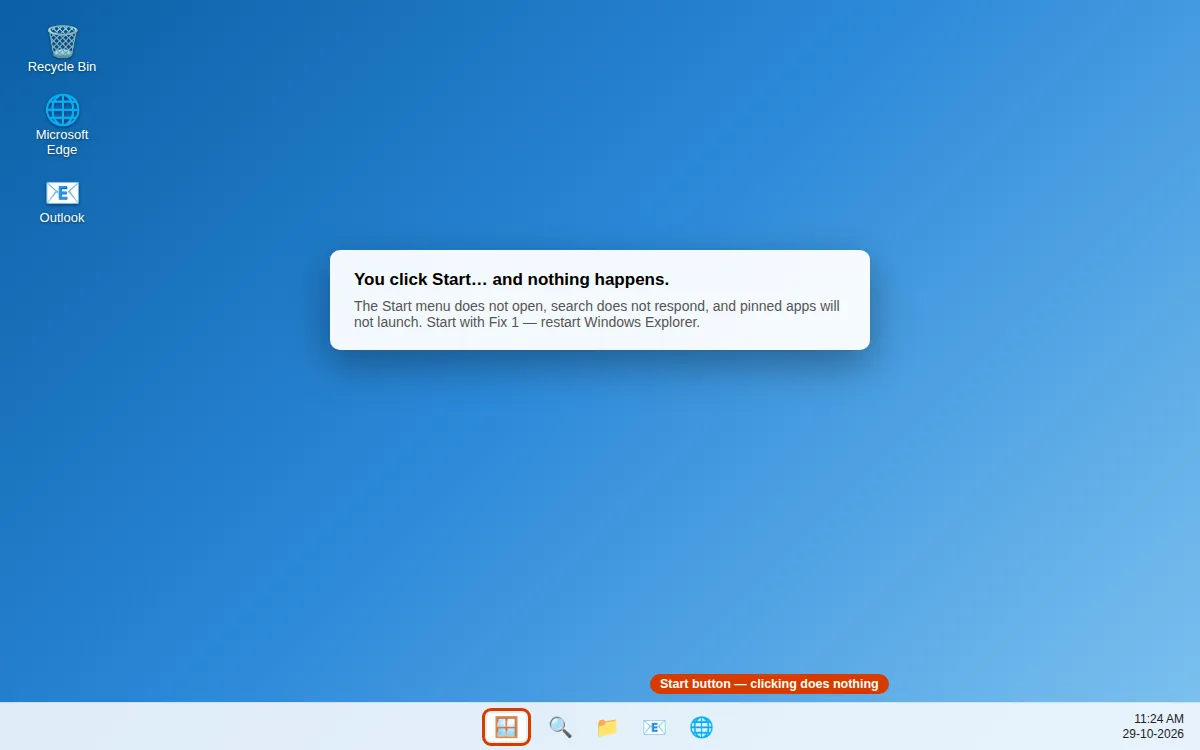
You click the Start button and nothing happens. Or the Start menu opens but freezes, search does not respond, and
Read More