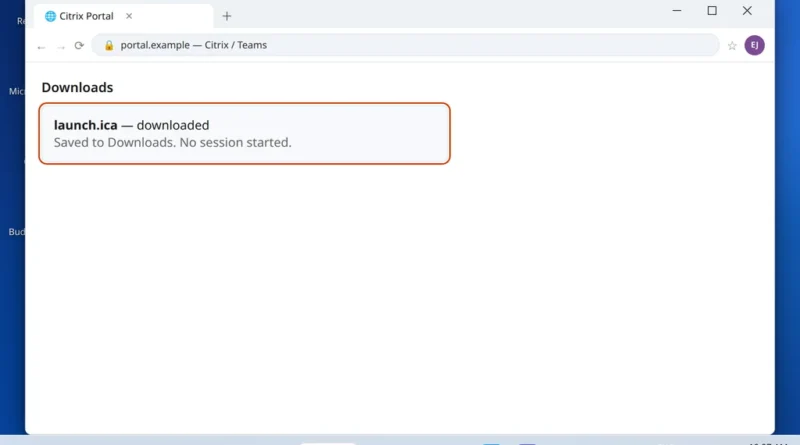
Citrix ICA File Downloads Instead of Opening in Chrome or Edge
When citrix ica file downloads instead of opening, your session never starts and the launch file just sits in Downloads.
Read More
Windows, Outlook, Teams & PC Errors Fixed Step by Step
Windows, Outlook, Teams & PC Errors Fixed Step by Step
Some computer problems do not belong to one app — the whole PC feels wrong. It boots to a black screen, everything crawls, or a basic part of Windows like File Explorer stops responding. These issues are unsettling, but they are usually software rather than a dying machine: a stuck sign-in process, a bad display driver, an Explorer setting, or a hard drive full of startup clutter. The guides here are built to be followed even when the PC is misbehaving — short, ordered steps, starting with what you can do from Task Manager or Safe Mode before anything advanced.
The three guides in this section cover the most common whole-PC problems. For a machine that signs in and then shows nothing, Black screen on Windows 11 after login starts with the Explorer restart that fixes the “black screen with cursor” case in a minute. For a PC that works but painfully slowly, PC slow on Windows 11 works through twelve speed-ups in the order that makes the biggest difference. And for the everyday freeze, File Explorer not responding covers the restart, history and Quick Access fixes.
Facing a PC problem that is not listed? Describe the symptoms to us at servicedesk@howtofixerroronline.com — available 24 hours.
When citrix ica file downloads instead of opening, your session never starts and the launch file just sits in Downloads.
Read More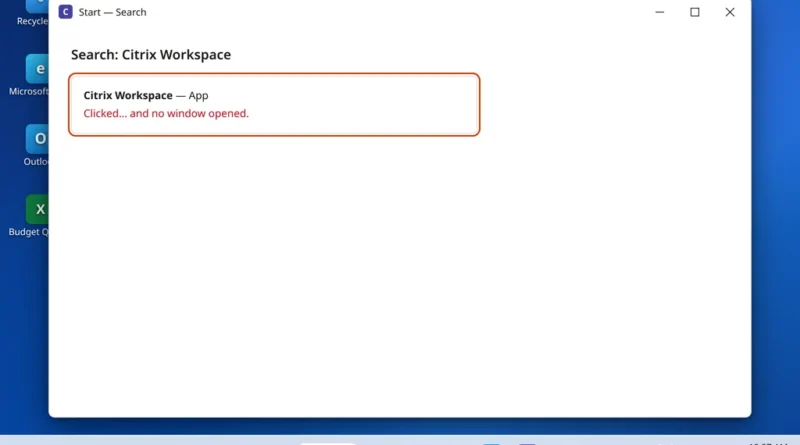
You click the Citrix Workspace icon — on the desktop, in the Start menu, it makes no difference — and
Read More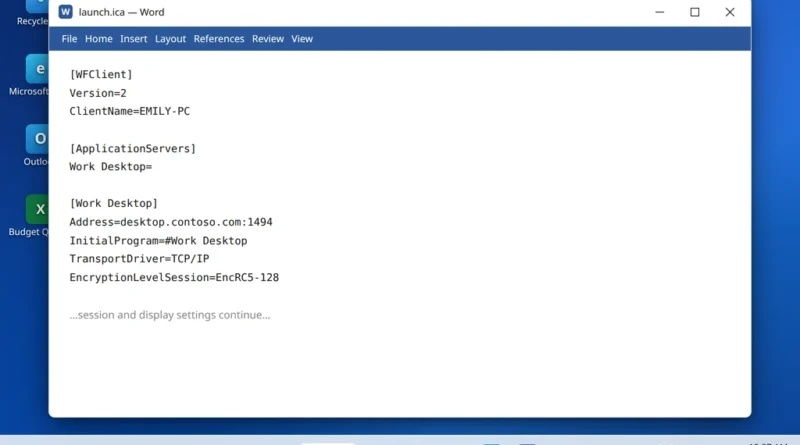
Double-click a Citrix launch file and instead of your work desktop, Microsoft Word opens — filled with strange lines like
Read More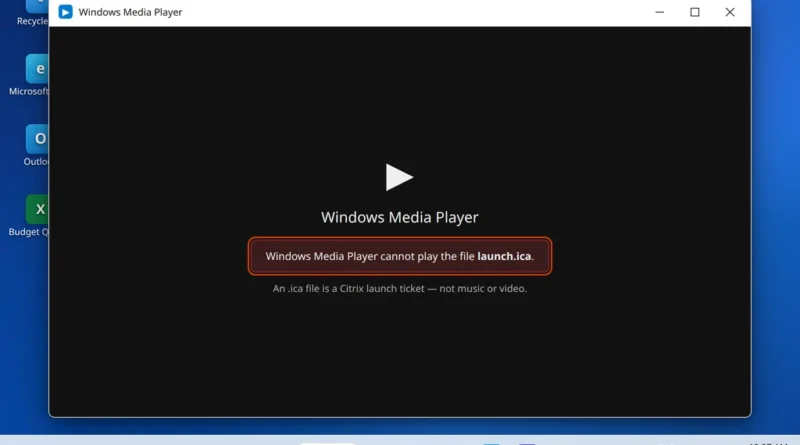
This guide fixes citrix ica file opening with media player, so your launch file opens in Citrix instead of Windows
Read More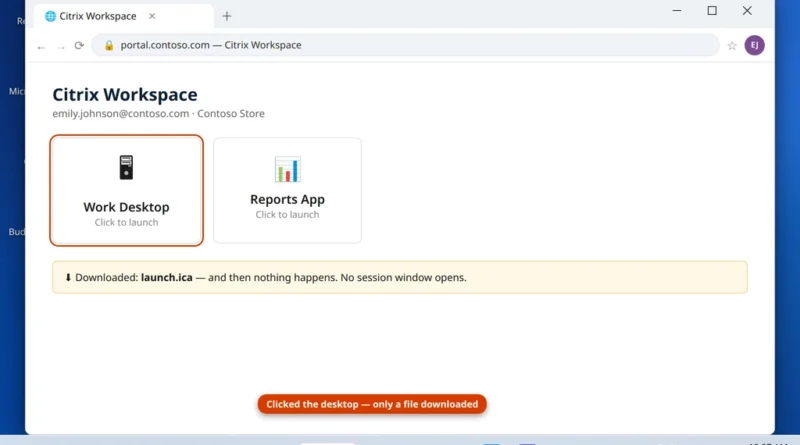
You sign in to your company Citrix portal, click your desktop or app, and… nothing. No window, no error, no
Read More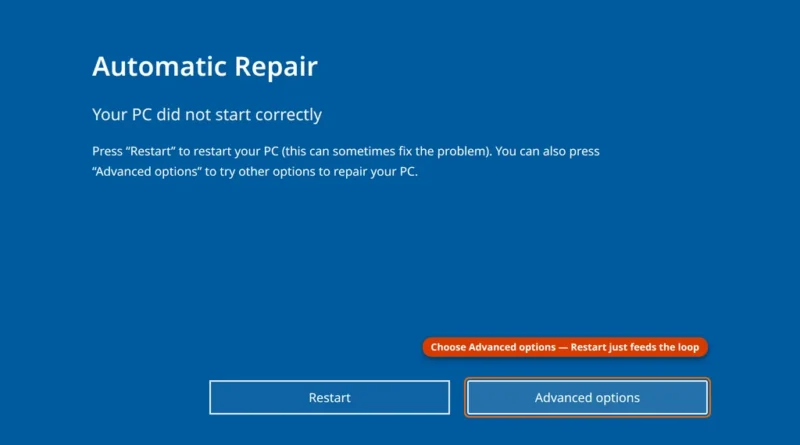
You press the power button and Windows 11 won’t boot. Maybe the spinning dots circle forever, maybe you are staring
Read More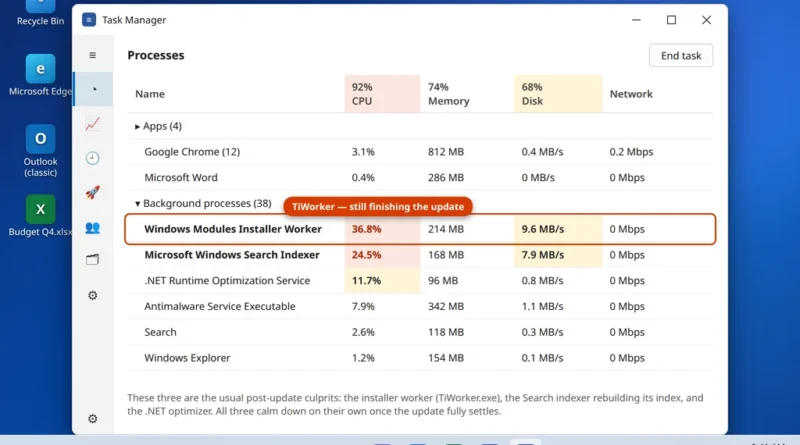
Your PC was fine yesterday. Windows installed an update overnight, and this morning everything crawls — apps take ages to
Read More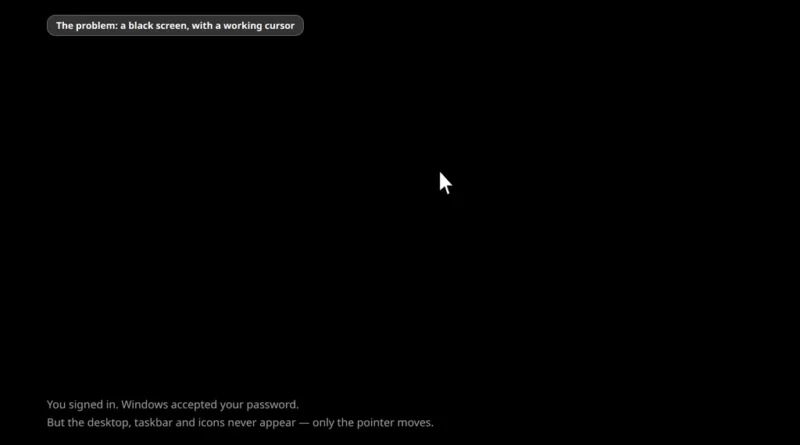
You type your password, Windows accepts it, the welcome spinner turns — and then nothing. Just a black screen. Maybe
Read More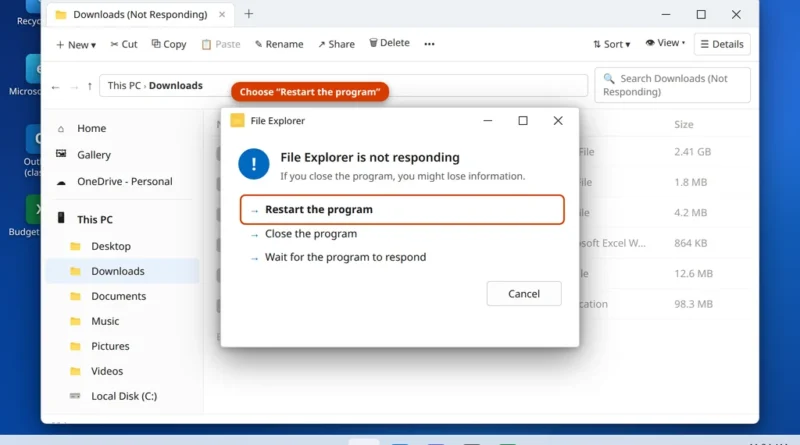
You open a folder and File Explorer freezes. The window title adds “Not Responding”, the mouse turns into a spinning
Read More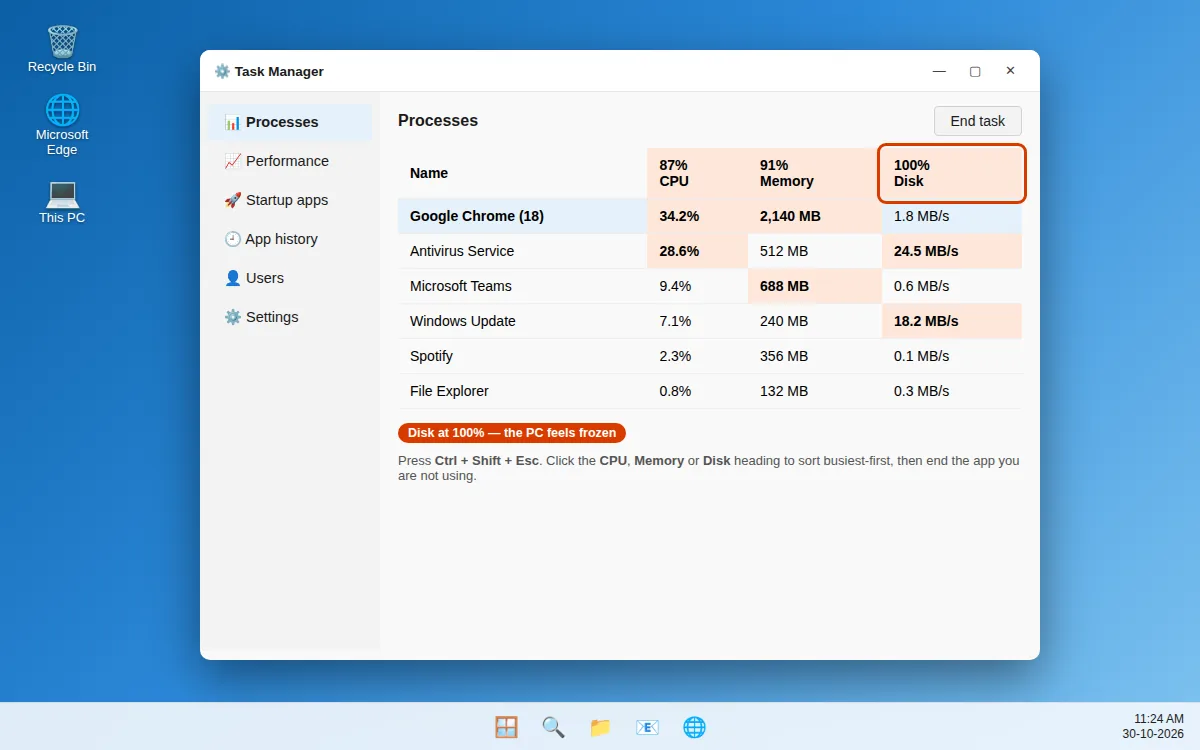
Your PC takes ages to start, apps open slowly, and the pointer freezes. If you have been searching for a
Read More