Setting Up Google Workspace for Business Domain Email: The Complete Admin Guide
Setting up Google Workspace for a business domain looks simple — sign up, point some DNS records, done — and
Read More
Windows, Outlook, Teams & PC Errors Fixed Step by Step
Windows, Outlook, Teams & PC Errors Fixed Step by Step
Email fails in frustratingly vague ways: a message comes bouncing back with a wall of technical text, or a finished email just sits in the Outbox and refuses to send. The good news is that email errors are rarely random — a bounce message contains a code that tells you exactly why delivery failed, and an Outbox jam almost always has one of a handful of causes. The guides in this section teach you to read those signals first, then fix the actual cause instead of guessing, whether you use Outlook, Gmail, or another provider.
Two guides cover the problems readers ask about most. If mail you send keeps returning undelivered, Email bouncing back? 7 reasons and how to fix each one decodes the common bounce codes — wrong address, full mailbox, oversized attachment, spam blocking — and what to do for each. If a message is visibly stuck, Email stuck in Outlook Outbox shows how to free it safely and resend it, including the “Work Offline” setting that quietly causes half of these cases. For the wider sending-settings picture behind many bounce problems, the same guide’s port comparison (587 vs 465 vs 25) is worth a look once your mail is moving again.
Still stuck with a bounce message you cannot decode? Forward the details to servicedesk@howtofixerroronline.com — available 24 hours — and we will help you read it.
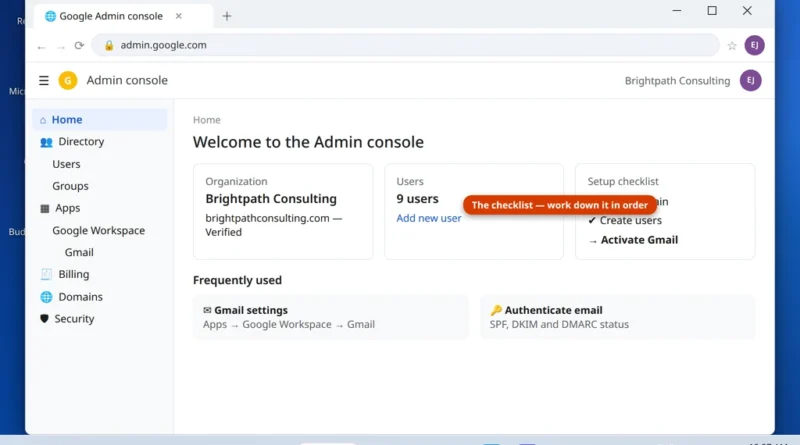
Setting up Google Workspace for a business domain looks simple — sign up, point some DNS records, done — and
Read More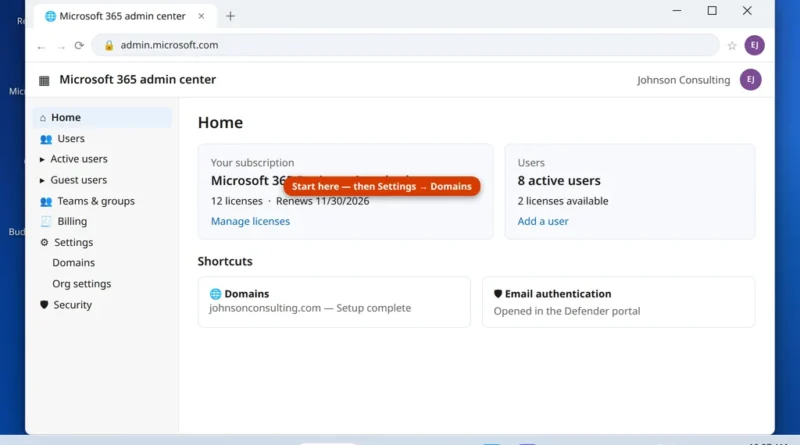
Buying Microsoft 365 Business Standard is the easy part. The part that trips businesses up is the setup order: add
Read More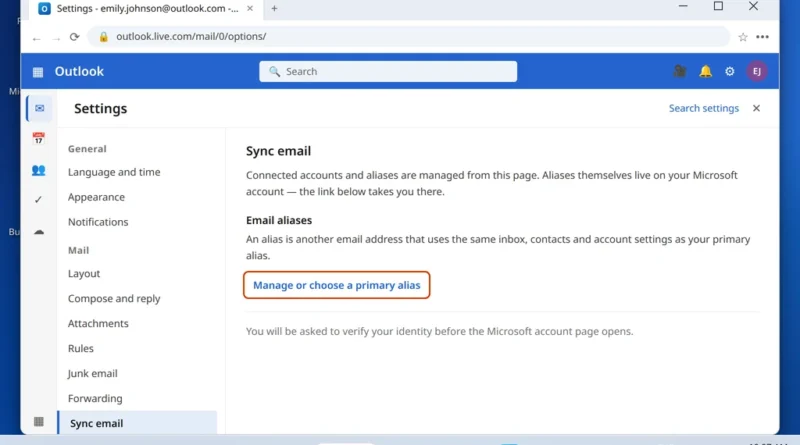
You want a second email address — one for shopping and sign-ups, one for family, or a cleaner address than
Read More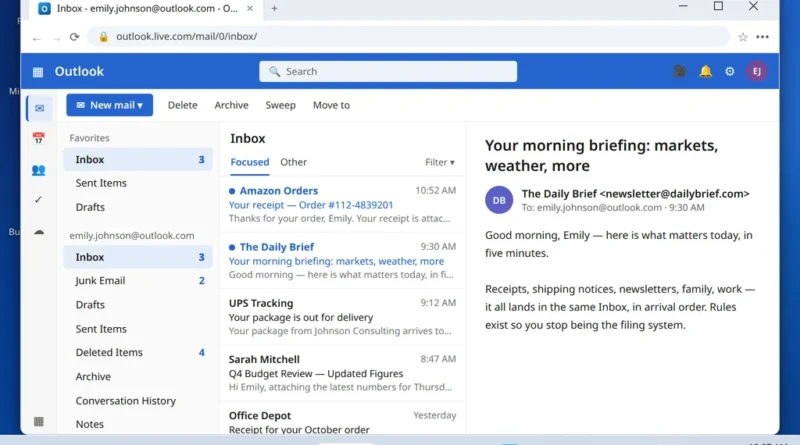
Receipts mixed with newsletters, shipping notices buried under meeting invites, family emails lost between store promotions — an inbox that
Read More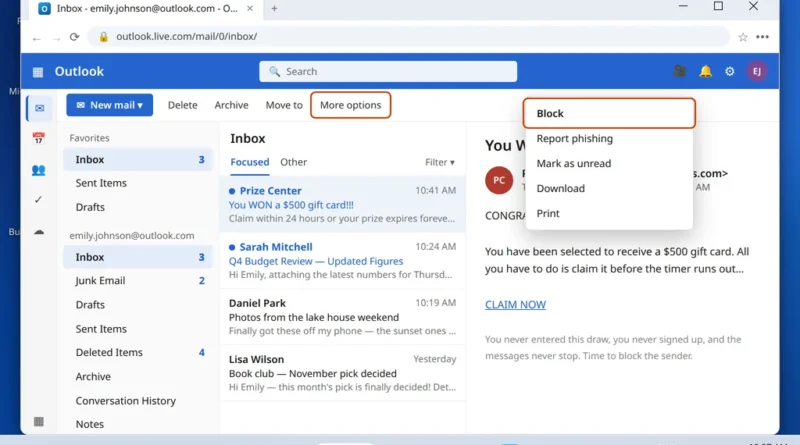
One sender will not take the hint. You have unsubscribed twice, deleted the messages a dozen times, and the mail
Read More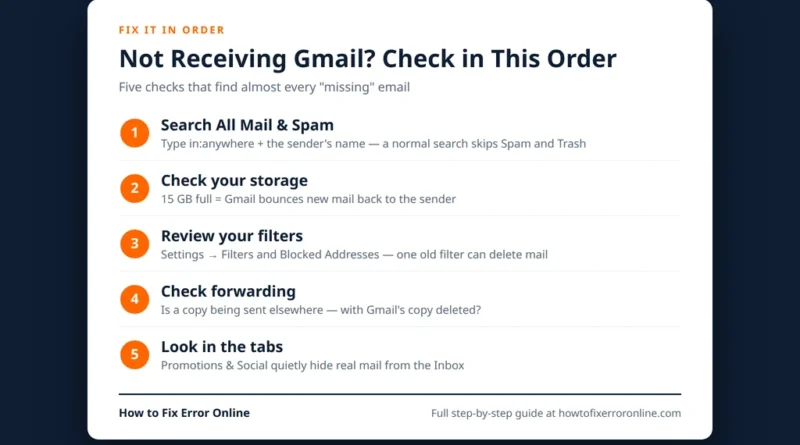
When Gmail is not receiving emails, the messages have usually not vanished into thin air. In most cases the mail
Read More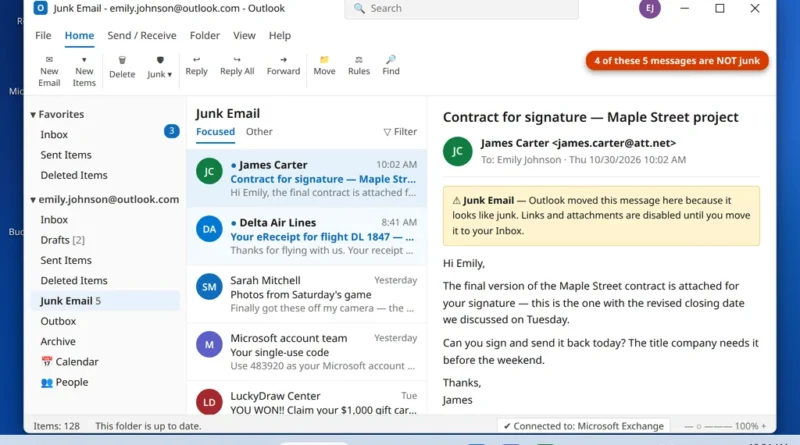
Few things are more annoying than Outlook emails going to junk folder instead of your inbox — especially when the
Read More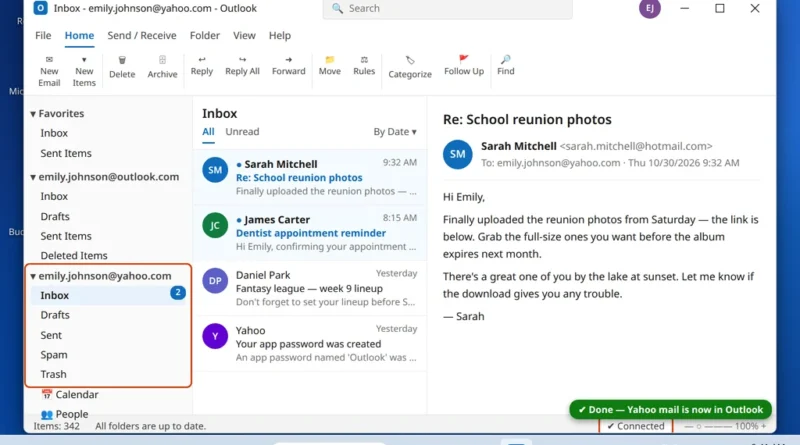
If you are figuring out how to add Yahoo Mail to Outlook, you have probably already hit the wall most
Read More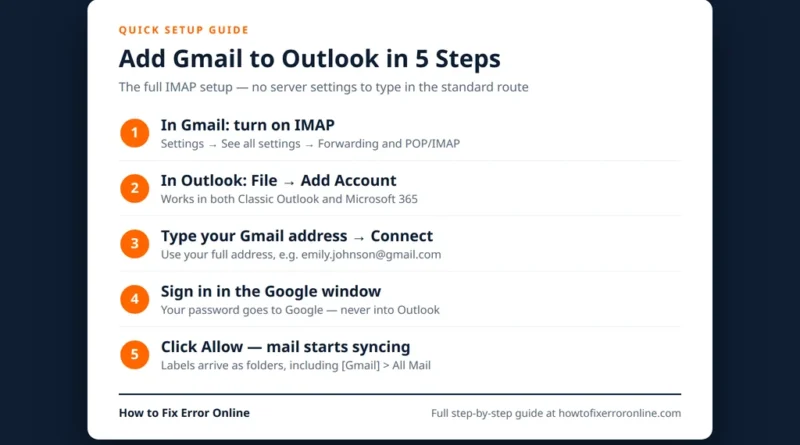
If you want your Gmail and your other email in one place, learning how to add Gmail to Outlook is
Read More