
Is Outlook Down? How to Check in 2 Minutes (and Tell If It’s Just You)
Outlook has stopped loading, sending or syncing, and you need to know one thing before you touch a single setting: is this Microsoft’s problem or yours? The answer decides everything. If Outlook is down on Microsoft’s side, no repair, reinstall or password change on your PC will bring it back — you would only waste time and risk breaking a healthy setup. If the service is fine and everyone else’s mail is flowing, the problem is local and worth fixing properly.
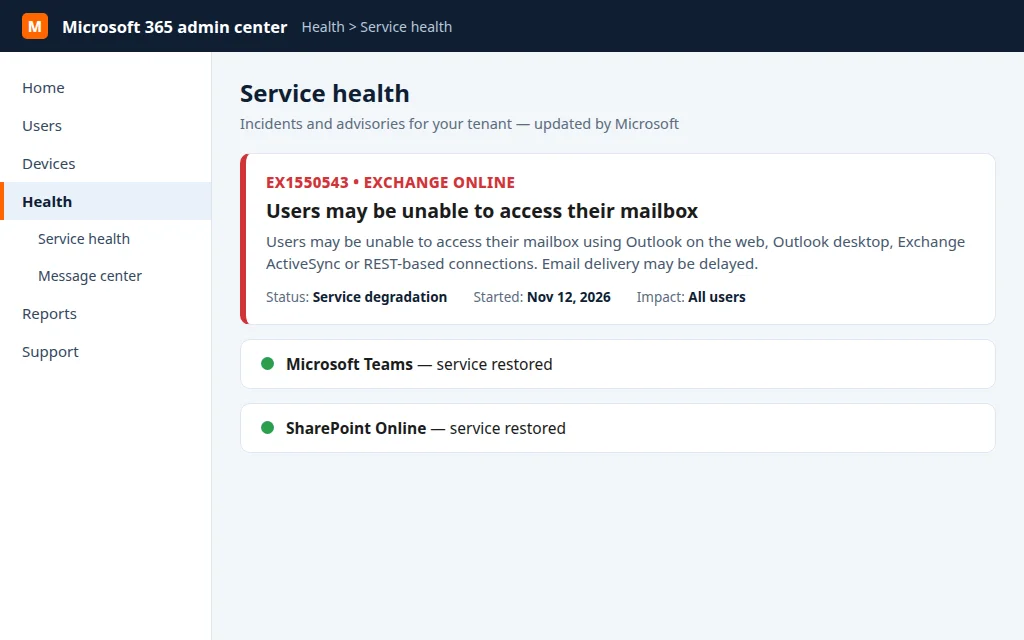
This guide is the two-minute check, in the right order: Microsoft’s official word first, live user reports second, and two quick cross-checks on your own devices last. It works for the big outages — like the global Microsoft outage of November 12–13, 2026, when Outlook reports peaked at about 130,000 — and for the small ones that only affect one service or region.
Quick Answer: Open Microsoft’s official status page at status.cloud.microsoft — if it lists an active incident for Outlook or Exchange Online, Outlook is down and the only fix is to wait. Work or school account? Your admin can see the same incident under Health > Service health in the Microsoft 365 admin center. Then confirm with live user reports on Downdetector: a steep spike means it’s down for everyone; a flat line plus a broken mailbox usually means the problem is on your side. Cross-check by trying Outlook on the web — if it fails exactly like the desktop app, that’s Microsoft; if the web version works, your app or PC is the problem.
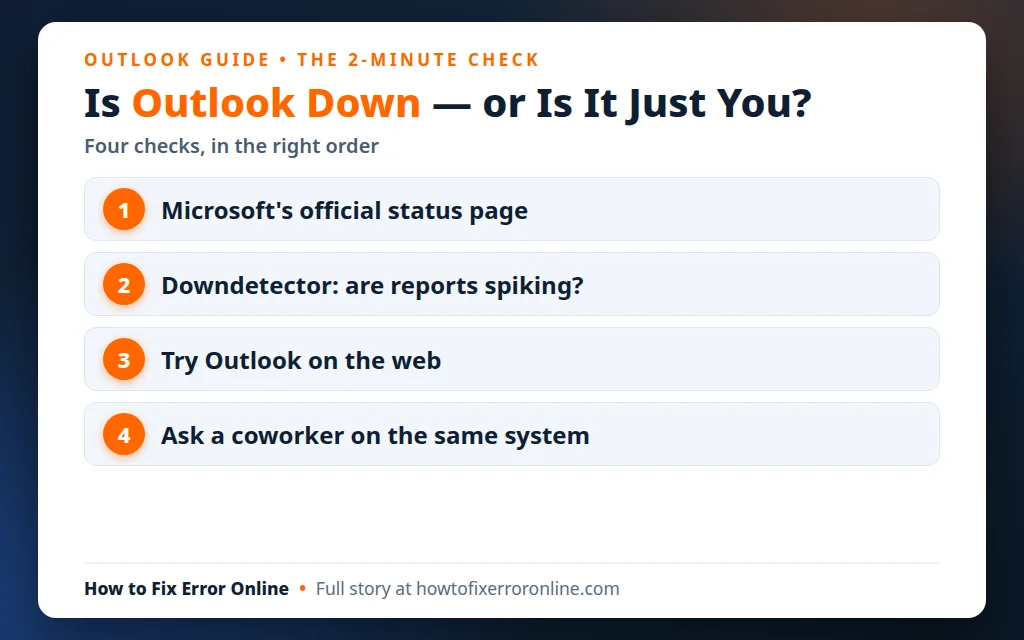
Table of Contents
Check 1 — Microsoft’s official status page
Microsoft’s own word always comes first, because it is the only source that can confirm an incident rather than guess at one. Go to status.cloud.microsoft — this is Microsoft’s public service health page. It covers both worlds, and they are not the same service:
- Personal accounts (Outlook.com, Hotmail, Live) run on the consumer Outlook service.
- Work and school accounts run on Microsoft 365 / Exchange Online.
Look for Outlook (or Exchange Online) in the service list. “All services operational” means Microsoft knows of no problem. A listed incident or advisory — with wording like “Users may be unable to access their mailbox” — means Outlook is down on Microsoft’s side, full stop. Microsoft also posts running updates to its Microsoft 365 Status account on X (@MSFT365Status) during big incidents, which is often faster to read than the status page.
Check 2 — Admins: Service health in the Microsoft 365 admin center
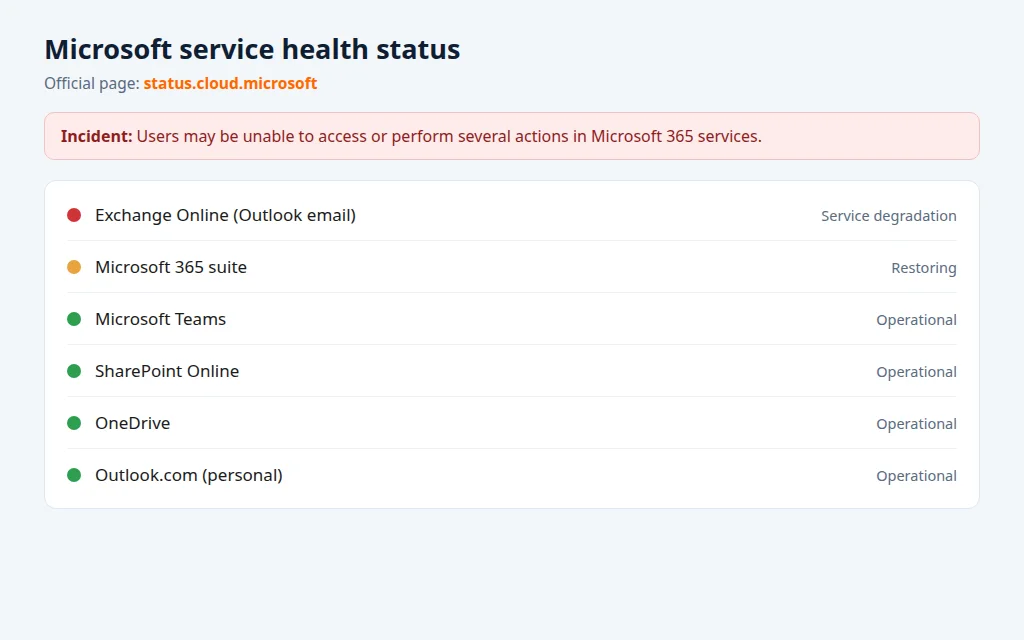
If you manage a work or school tenant, the admin center shows far more detail than the public page — scope, affected features and Microsoft’s engineer updates:
- Sign in to the Microsoft 365 admin center.
- Go to Health > Service health.
- Look for an incident affecting Exchange Online (that’s the service behind Outlook mail and calendars). Incidents carry an ID — during the November 2026 outage, mailbox access was tracked as EX1550543 and the wider Microsoft 365 failure as MO1550821. Quote that ID to your users and to Microsoft support; it is how everyone refers to the same problem.
If you can’t sign in to the admin center at all, fall back to the public status page in Check 1 — Microsoft’s own documentation names it as the fallback for exactly that situation.
Check 3 — Downdetector: are other people reporting it right now?
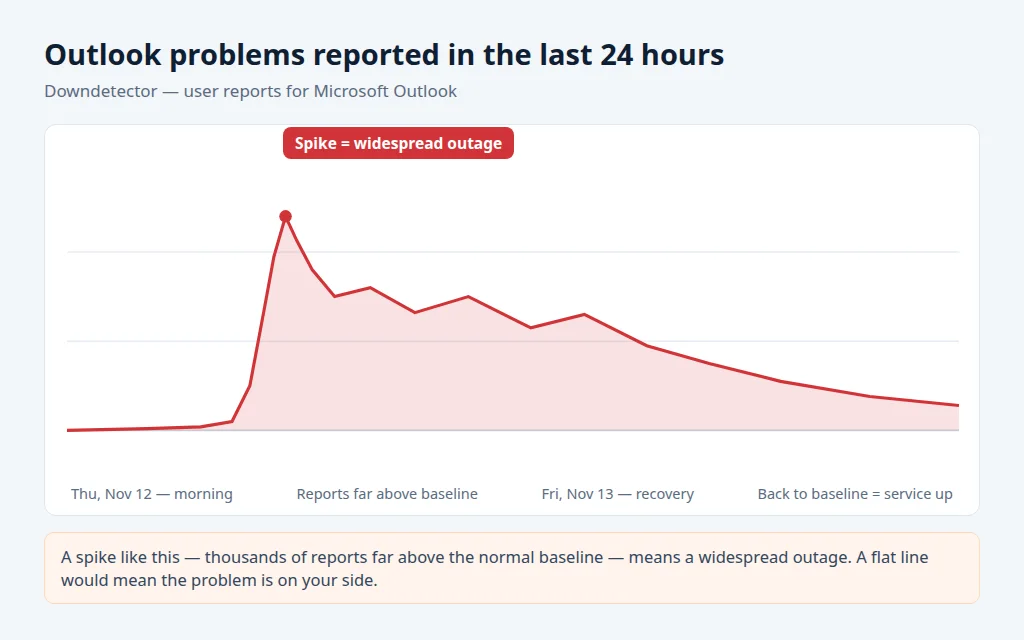
Microsoft sometimes takes a while to acknowledge an incident, and user reports move faster. Open the Outlook page on Downdetector and read the chart, not the comments:
- A tall, fresh spike (hundreds or thousands of reports in the last hour, way above the baseline) = a real, widespread outage. During the November 2026 outage the chart peaked at about 130,000 reports.
- A flat line at the normal baseline = no widespread problem. If your Outlook is broken anyway, the fault is almost certainly local — your app, your account or your connection.
Downdetector’s “most reported problems” breakdown also helps: if most reports say “server connection” and “log-in”, that matches a Microsoft-side failure; if reports are scattered across everything, it may be several unrelated issues at once.
Check 4 — Try a second door: Outlook on the web and your phone
The last check uses your own devices, and it cleanly separates “Microsoft” from “me”:
- Open Outlook on the web (outlook.office.com for work accounts, outlook.live.com for personal ones) in a browser.
- If the web version fails the same way as your desktop app — same sign-in error, same blank mailbox — the problem is server-side. Stop troubleshooting.
- If the web version works fine, your mailbox is healthy and the desktop app or PC is at fault. That is a local repair: start with our guides to Outlook not opening on Windows 11 or Outlook saying “Disconnected”.
- Ask one coworker on the same email system. If they’re down too, it’s the outage; if they’re fine, it’s you.
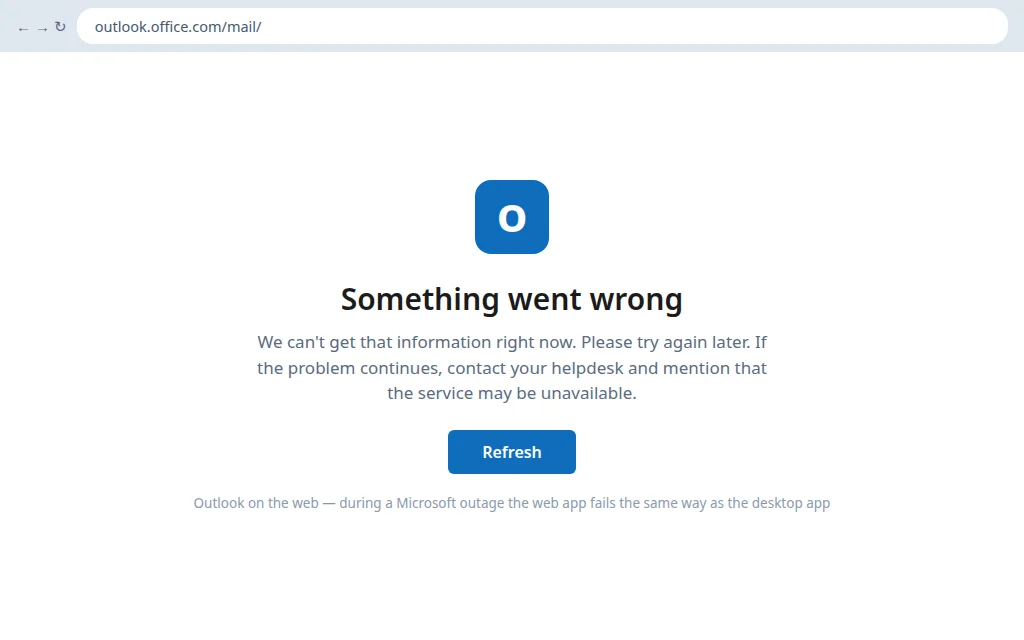
A typical server-side sighting during an outage is Outlook on the web stopping at a “Something went wrong” error instead of your inbox:
Signs it’s a Microsoft outage (not your PC)
- Microsoft’s status page or the admin center lists an active incident for Outlook or Exchange Online.
- Downdetector shows a fresh spike thousands of reports above baseline.
- Desktop app, web and phone all fail in the same way, on Wi-Fi and mobile data.
- Coworkers in other offices or countries have the same problem at the same time.
- Teams, OneDrive or other Microsoft 365 services are misbehaving too — big outages rarely stop at email.
Signs the problem is on your side
- Status page is green and Downdetector is flat, but your Outlook still fails.
- Outlook on the web works; only the desktop app is stuck.
- Only one account fails while others on the same PC are fine — or only your PC fails while coworkers are unaffected.
- The problem started right after your change: a password reset, a new profile, a VPN or antivirus change, a Windows update.
- You get mail but can’t send, or one folder won’t sync — a pattern Microsoft-wide outages don’t produce. If nothing is arriving at all, work through Outlook Not Receiving Emails instead.
What to do while Outlook is down
If the checks say it’s Microsoft, the honest answer is: wait — but wait usefully.
- Leave your apps open and signed in. Outlook reconnects by itself when the service returns; signing out everywhere just adds a sign-in queue later.
- Do not reinstall Outlook, delete your profile or change your password. None of these can fix a server outage, and a rebuilt profile has to re-download your whole mailbox once service returns.
- Use what’s already on your device. Outlook keeps a local copy of recent mail — you can read and draft offline; drafts send when the service is back.
- Urgent messages need another channel — phone, text, or a different email account. And never trust a call or email claiming “Microsoft support will fix your account for a fee” during an outage; Microsoft does not work that way.
When will Outlook be back? How recovery works
Microsoft restores big outages gradually, region by region and server group by server group, and it deliberately slows the return of traffic so recovered servers stay up. Two consequences worth knowing:
- Your coworkers may get mail back hours before you do (or the reverse). That is normal recovery, not a sign your account is broken.
- Email sent during the outage is queued, not lost. Microsoft holds it and delivers as capacity returns — after the November 2026 outage it said queues were “significantly reduced and approaching normal levels” while some users could still see delayed delivery.
Once the status page returns to green and reports die down, give your app a short while to reconnect. If everyone else is back and you’re not, switch to the recovery steps in Outlook Still Not Working After the Outage?.
Frequently asked questions
Is Outlook down right now?
Check status.cloud.microsoft first — an active incident listed there settles it. Then look at Downdetector’s Outlook chart: a fresh spike means widespread problems right now; a flat line means the service is up and the problem is likely yours.
How do I check if Outlook is down?
Three checks, in order: Microsoft’s official status page (status.cloud.microsoft), Service health in the Microsoft 365 admin center if you have a work or school account, and live user reports on Downdetector. Finish by trying Outlook on the web — if it fails like the app does, it’s Microsoft’s side.
Is Outlook.com down, or is it Microsoft 365?
They are different services and they do fail separately. Personal Outlook.com accounts and work/school Microsoft 365 accounts appear as separate entries on the status page — check the one your account belongs to before drawing conclusions.
Where is the official Outlook status page?
At status.cloud.microsoft — Microsoft’s service health status page. For work and school tenants, the same information with more detail is under Health > Service health in the Microsoft 365 admin center, and Microsoft posts incident updates as @MSFT365Status on X.
Outlook is down for me but up for everyone else — why?
During a recovery, Microsoft brings servers back in waves, so one mailbox can return hours after another. If the outage is fully closed and you’re still down while others are fine, the problem has become local — restart Outlook, then work through the post-outage recovery guide linked above.
How long do Outlook outages usually last?
Small incidents often clear within a few hours; large ones can run much longer — the November 12–13, 2026 outage took more than a day to fully resolve. Microsoft rarely gives a firm restoration time during an incident, so the status page estimate (“we expect recovery by…”) is the best guide available.
If Outlook turns out to be up and your PC is the problem after all, our step-by-step Outlook guides cover the common local faults. Still stuck? Email us at servicedesk@howtofixerroronline.com — we’re available 24 hours.