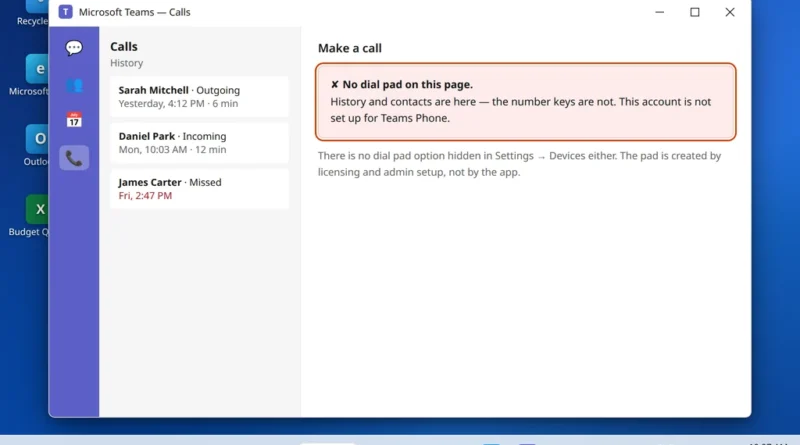
Microsoft Teams Dial Pad Missing — Can’t Make or Receive Calls
Microsoft Teams dial pad missing from your Calls app? That is the single most important fact in this guide: the
Read More
Windows, Outlook, Teams & PC Errors Fixed Step by Step
Windows, Outlook, Teams & PC Errors Fixed Step by Step
Microsoft Teams dial pad missing from your Calls app? That is the single most important fact in this guide: the
Read More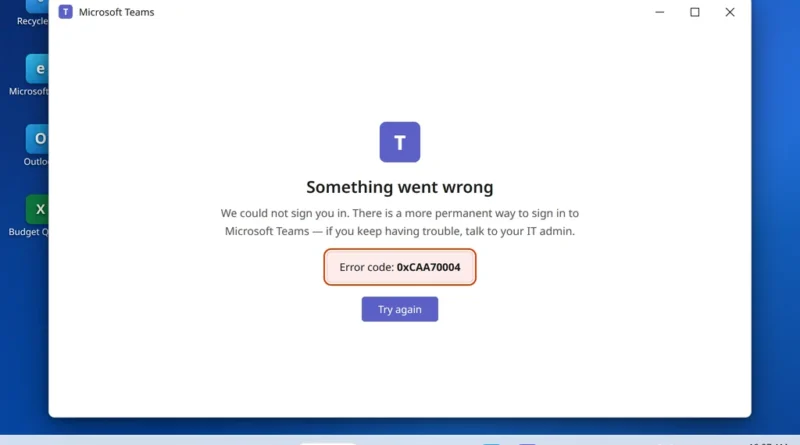
You launch Teams, it thinks for a moment, and instead of your chats you get “Something went wrong” and a
Read More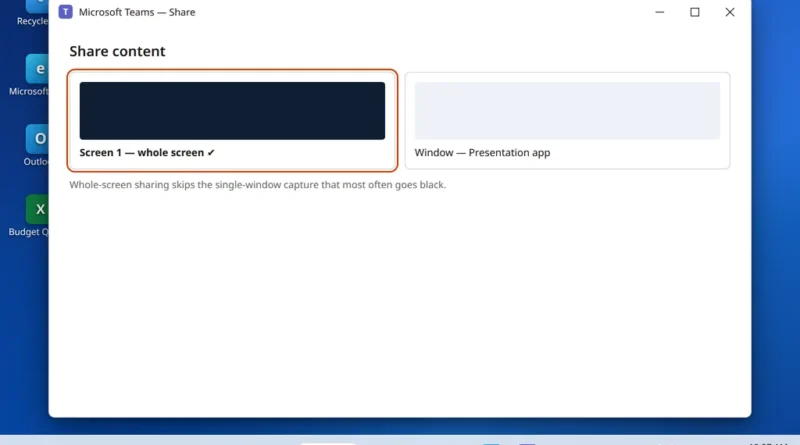
From your side, everything looks fine. You clicked Share, picked your content, and your own preview shows your slides exactly
Read More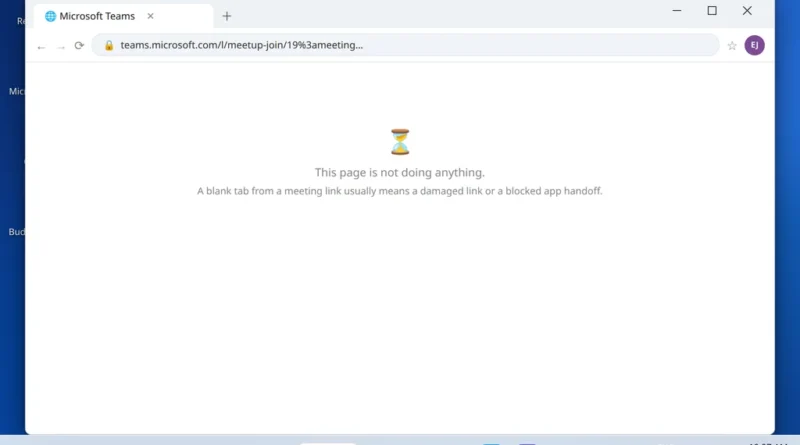
The meeting is starting. You click the join link — and nothing useful happens. Maybe a browser tab opens and
Read More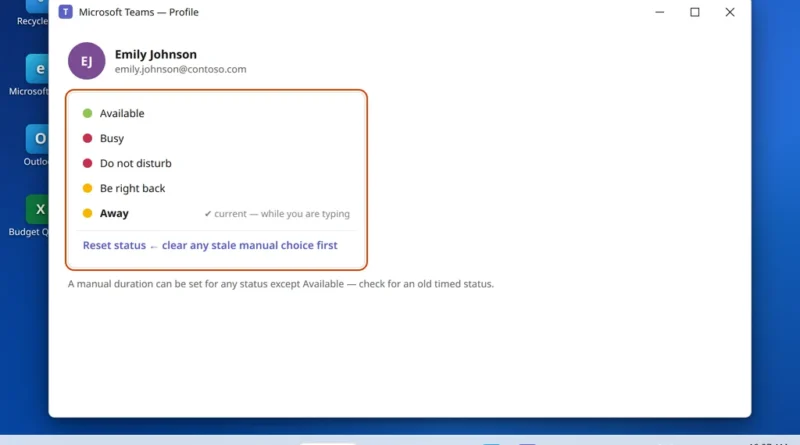
When Microsoft Teams showing away makes colleagues think you have stepped out while you are still at your desk, the
Read More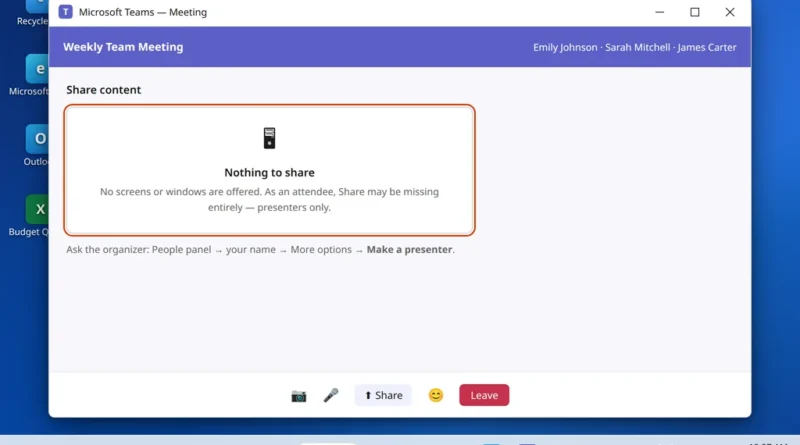
This guide fixes Microsoft Teams screen sharing not working — whether the Share button is missing, the tray opens empty,
Read More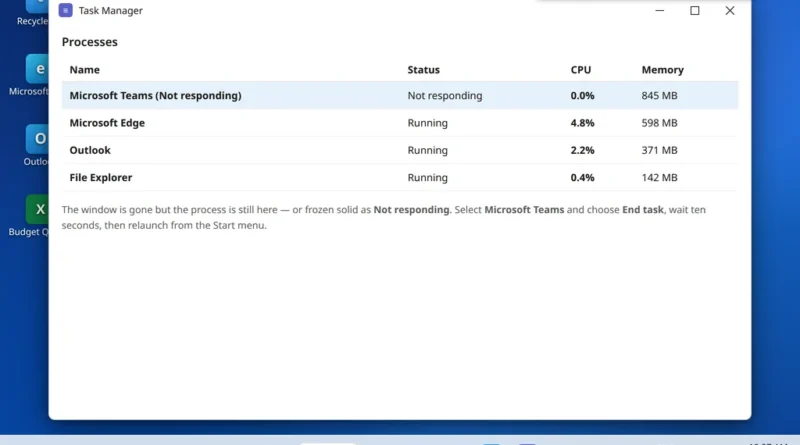
It has its own rhythm, and once you have lived with it you know it by heart: Teams opens, works
Read More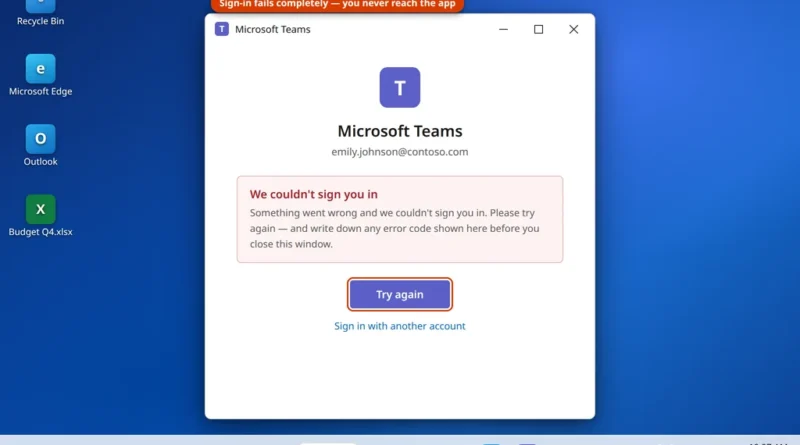
There is a particular kind of stuck that Teams does very well: you type the correct email and password, wait
Read More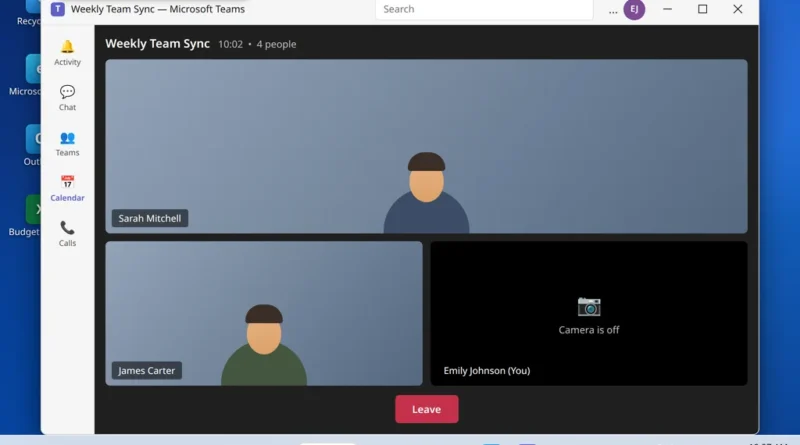
Microsoft Teams camera not working is the problem this guide fixes, starting with the camera selected in Teams. You join
Read More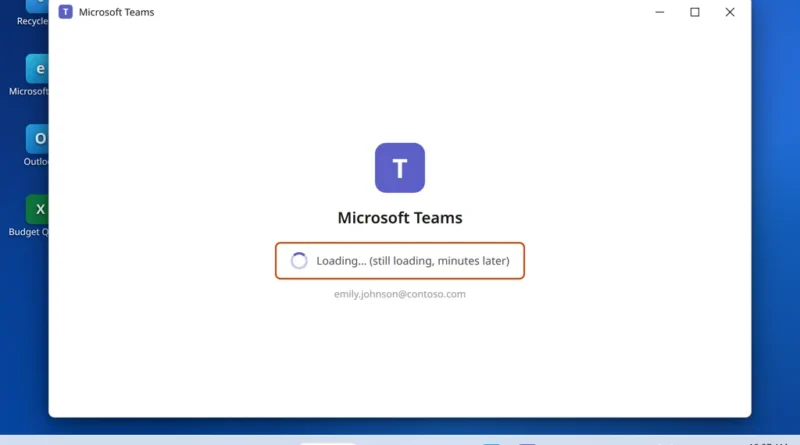
Microsoft Teams opens. The window appears, the logo shows, the spinner turns — and turns, and turns. Your chats never
Read More