Microsoft Teams Breakout Rooms Not Working
If you are seeing Microsoft Teams breakout rooms not working in a meeting, it is usually a gate, not a
Read More
Windows, Outlook, Teams & PC Errors Fixed Step by Step
Windows, Outlook, Teams & PC Errors Fixed Step by Step
Microsoft Teams is where the working day happens now, so when it misbehaves — refusing to open, looping on the sign-in screen, or joining a meeting without your camera or microphone — it is never just a small glitch. Most Teams problems come down to a short list of causes: a damaged cache, saved sign-in details that no longer match your account, Windows privacy permissions switched off, or another app holding your camera. The guides here work through those causes in order, for both the Teams desktop app and Teams in the browser, with the exact settings screens shown at every step.
Start with the issue you have. If the app will not launch at all, use Microsoft Teams not opening on Windows 11. If you are stuck entering your password again and again, Microsoft Teams keeps asking me to sign in clears out the stale credentials and cache behind the loop. And if you can join meetings but nobody can see or hear you, Teams camera or microphone not working works through the five checks that fix it, from the in-app device settings to Windows privacy permissions.
Got a Teams error code or a problem these guides do not cover? Email servicedesk@howtofixerroronline.com — available 24 hours — and tell us what Teams shows on screen.
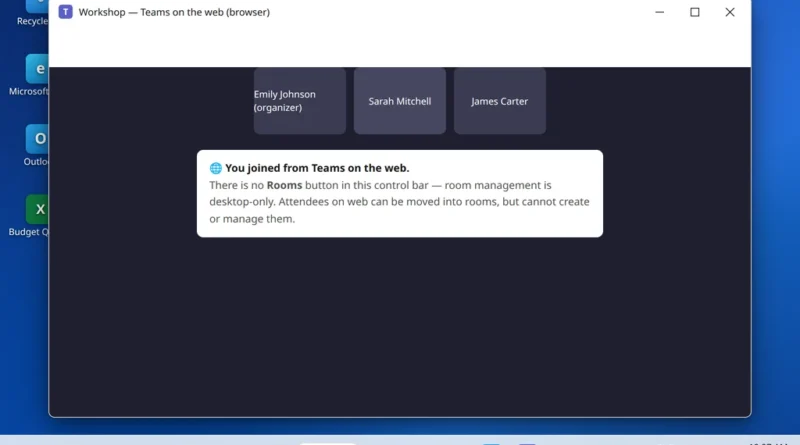
If you are seeing Microsoft Teams breakout rooms not working in a meeting, it is usually a gate, not a
Read More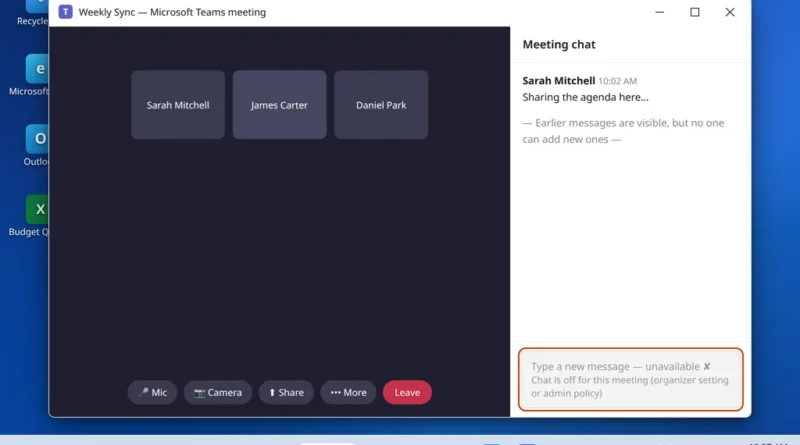
If you are seeing Microsoft Teams meeting chat missing in a meeting, it is usually a setting, not a broken
Read More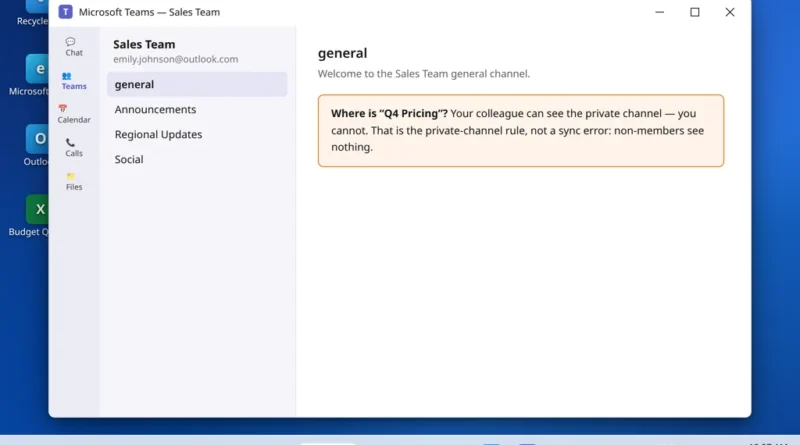
Microsoft Teams private channel not showing is usually a membership problem, not a bug. A colleague swears the channel exists.
Read More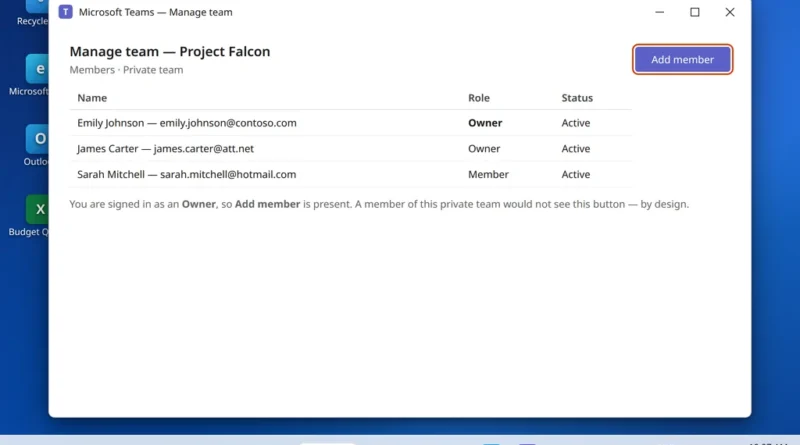
When Microsoft Teams cannot add members, the cause is usually your role, the team type or the channel type, not
Read More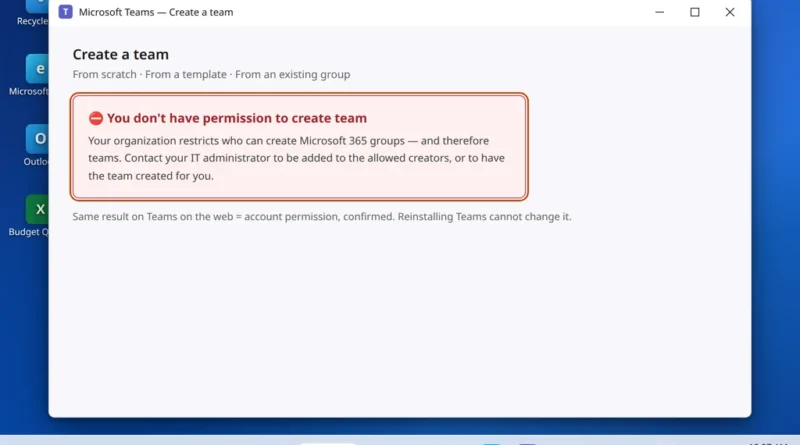
You go to create a team for a new project and Teams stops you: “you don’t have permission to create
Read More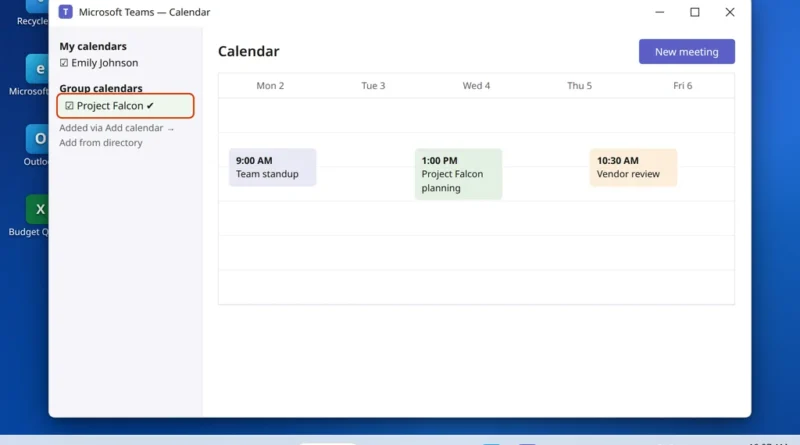
Someone says “the team calendar isn’t showing in Teams.” It sounds like a sync bug. Most of the time it
Read More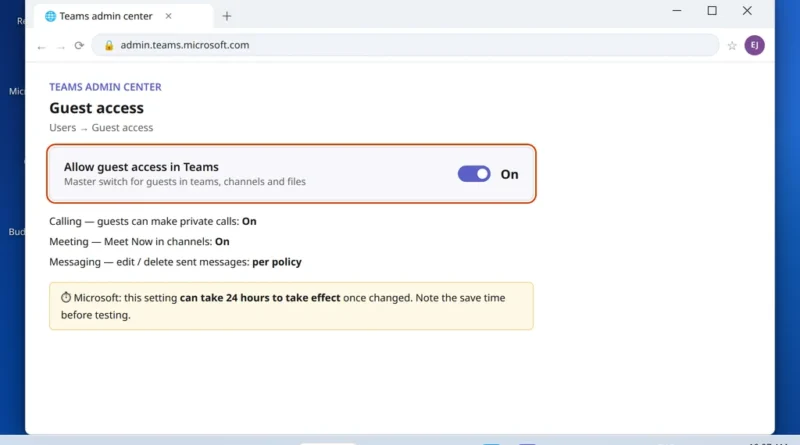
You have invited someone from outside your company — a client, a contractor, a partner — and it is not
Read More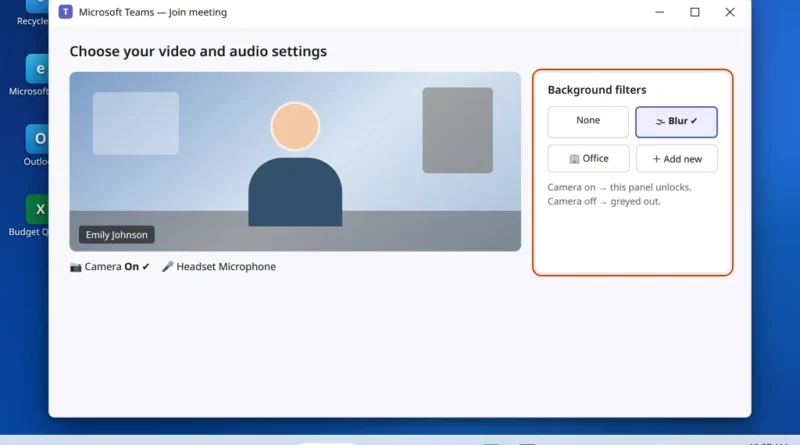
Microsoft Teams background effects not working? You join the meeting, reach for the blur button you have used a hundred
Read More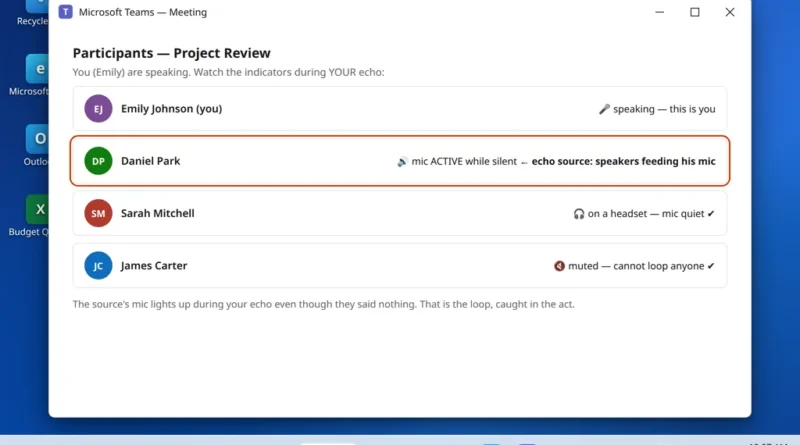
You speak, and half a second later you hear yourself say it again. It derails your train of thought —
Read More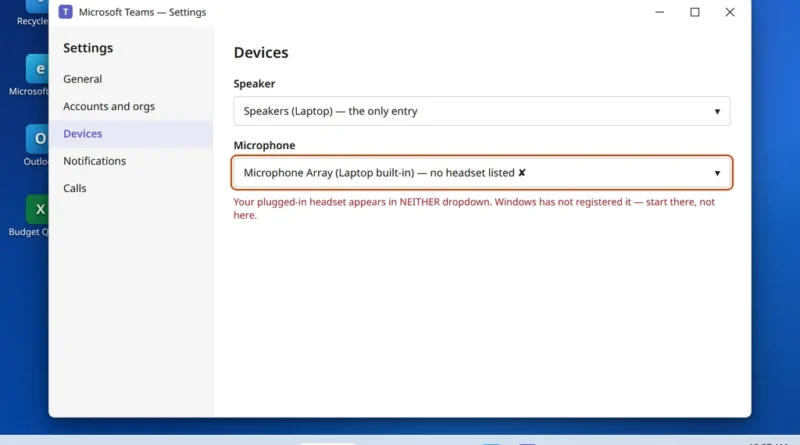
Microsoft Teams not detecting headphones? You plug in your headset — or pair it over Bluetooth — open Teams, go
Read More