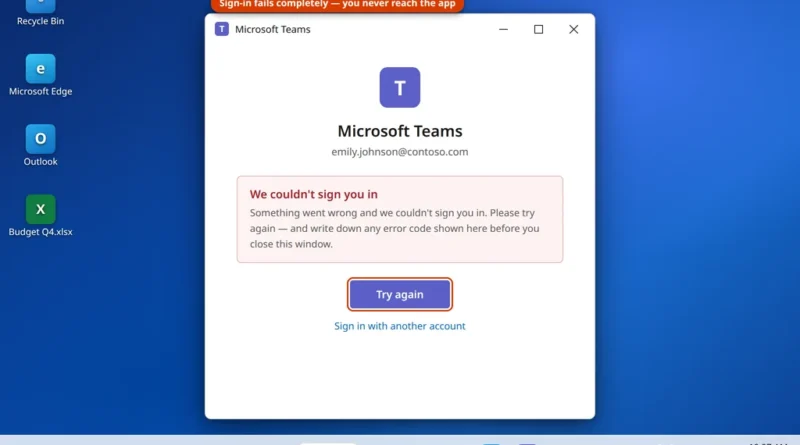
Microsoft Teams Sign-In Problems — Can’t Sign In at All
There is a particular kind of stuck that Teams does very well: you type the correct email and password, wait
Read More
Windows, Outlook, Teams & PC Errors Fixed Step by Step
Windows, Outlook, Teams & PC Errors Fixed Step by Step
Microsoft Teams is where the working day happens now, so when it misbehaves — refusing to open, looping on the sign-in screen, or joining a meeting without your camera or microphone — it is never just a small glitch. Most Teams problems come down to a short list of causes: a damaged cache, saved sign-in details that no longer match your account, Windows privacy permissions switched off, or another app holding your camera. The guides here work through those causes in order, for both the Teams desktop app and Teams in the browser, with the exact settings screens shown at every step.
Start with the issue you have. If the app will not launch at all, use Microsoft Teams not opening on Windows 11. If you are stuck entering your password again and again, Microsoft Teams keeps asking me to sign in clears out the stale credentials and cache behind the loop. And if you can join meetings but nobody can see or hear you, Teams camera or microphone not working works through the five checks that fix it, from the in-app device settings to Windows privacy permissions.
Got a Teams error code or a problem these guides do not cover? Email servicedesk@howtofixerroronline.com — available 24 hours — and tell us what Teams shows on screen.
There is a particular kind of stuck that Teams does very well: you type the correct email and password, wait
Read MoreHalfway through a meeting, your laptop fan spins up like a hair dryer. The mouse starts to lag, your voice
Read More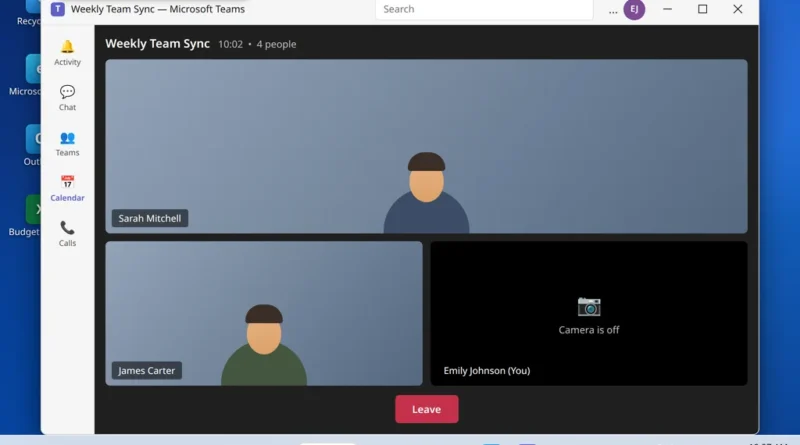
Microsoft Teams camera not working is the problem this guide fixes, starting with the camera selected in Teams. You join
Read More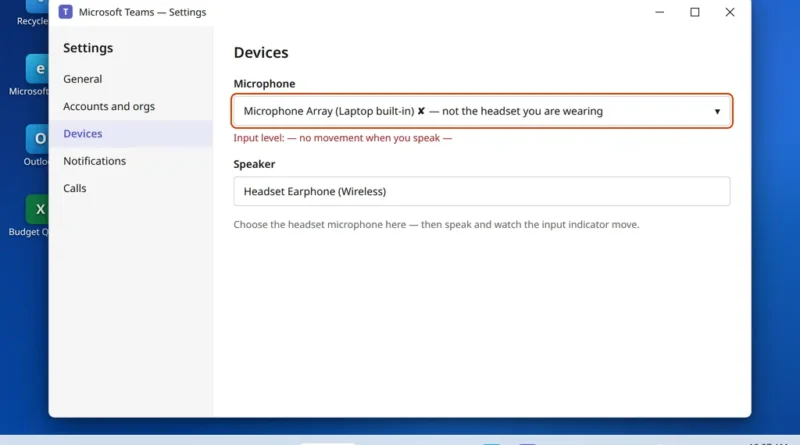
You are talking. The meeting can see you talking. And someone finally types in the chat: “We can’t hear you.”
Read More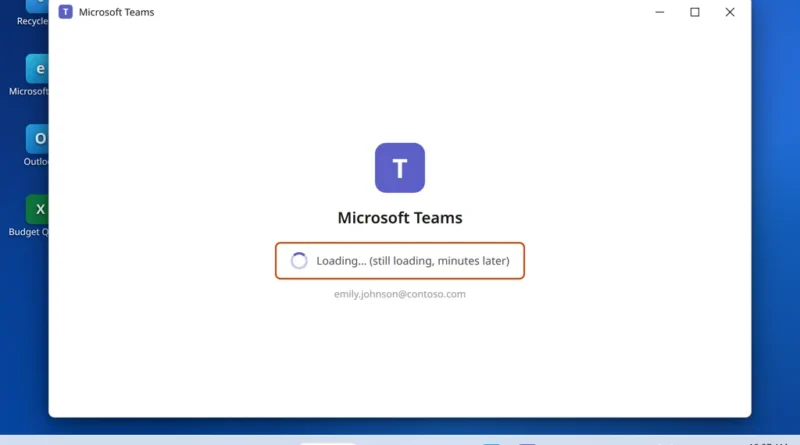
Microsoft Teams opens. The window appears, the logo shows, the spinner turns — and turns, and turns. Your chats never
Read More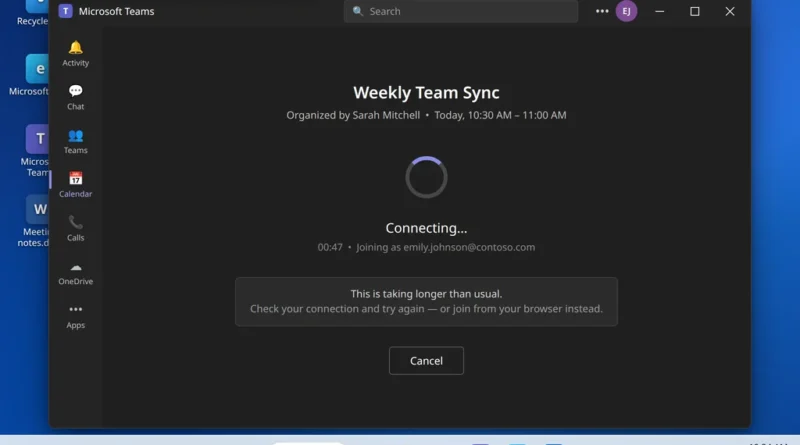
The meeting started three minutes ago. You clicked Join, and Teams is just sitting there — stuck on “Connecting…”, or
Read More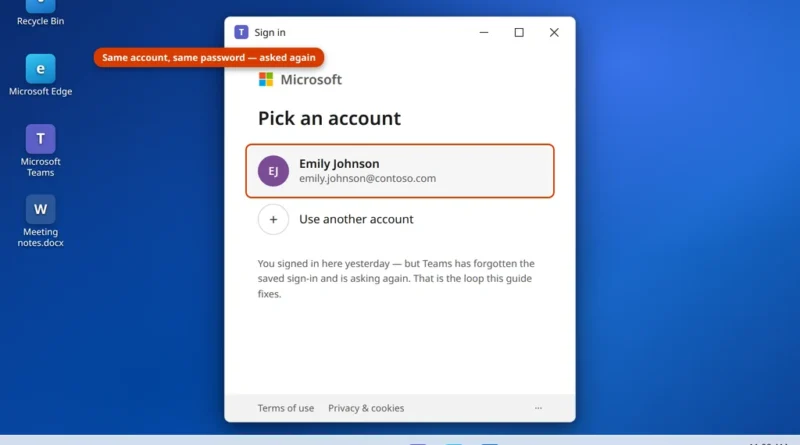
You open Teams, type your password, approve the sign-in on your phone — and it works. Then tomorrow morning, or
Read More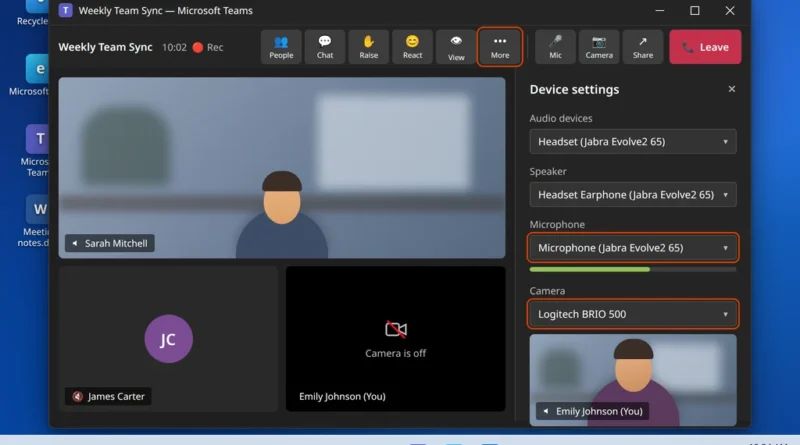
Your meeting starts in two minutes, and Teams shows a black box where your face should be — or your
Read More
You click Microsoft Teams and nothing happens. Or the purple splash screen appears, spins for a few seconds, and quietly
Read More