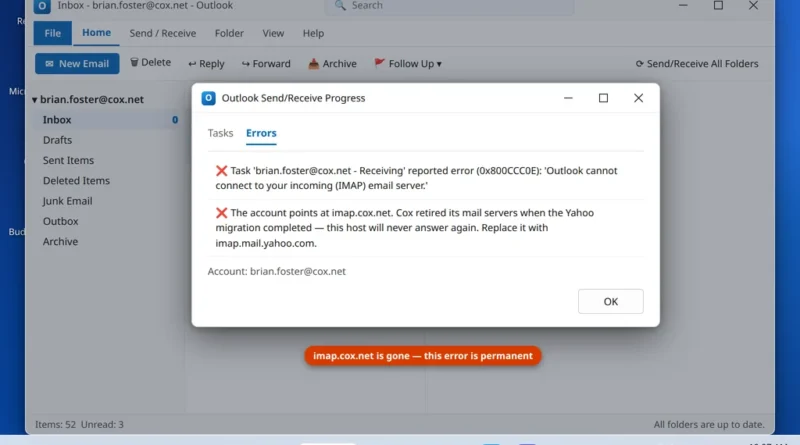
Cox Email Not Working in Outlook After the Move to Yahoo
Cox email not working in Outlook is the direct result of the Cox-to-Yahoo migration. If your Cox email stopped working
Read More
Windows, Outlook, Teams & PC Errors Fixed Step by Step
Windows, Outlook, Teams & PC Errors Fixed Step by Step
Outlook problems have a special talent for appearing five minutes before an important email needs to go out. The program will not open, it freezes on the loading screen, search cannot find a message you know is there, or Send/Receive stops with a code like 0x8004010F. This section covers classic Outlook and the new Outlook on Windows 11, and every guide follows the same approach: what the error actually means, why it happened, and the fixes in order — safe steps like Safe Mode and profile checks first, data-file repairs like SCANPST only when they are needed, explained step by step with screenshots.
The guides readers need most: if the app will not start at all, begin with Outlook not opening on Windows 11. If it opens but hangs on the blue splash screen, see Outlook stuck on Loading Profile. For mail-flow trouble there is Outlook not receiving emails, for a broken search box there is Outlook search not working, and for the data-file error, Outlook error 0x8004010F explained and fixed.
If your Outlook error is not listed, write to us at servicedesk@howtofixerroronline.com — available 24 hours — and include the full error text; it helps us help you faster.
Cox email not working in Outlook is the direct result of the Cox-to-Yahoo migration. If your Cox email stopped working
Read More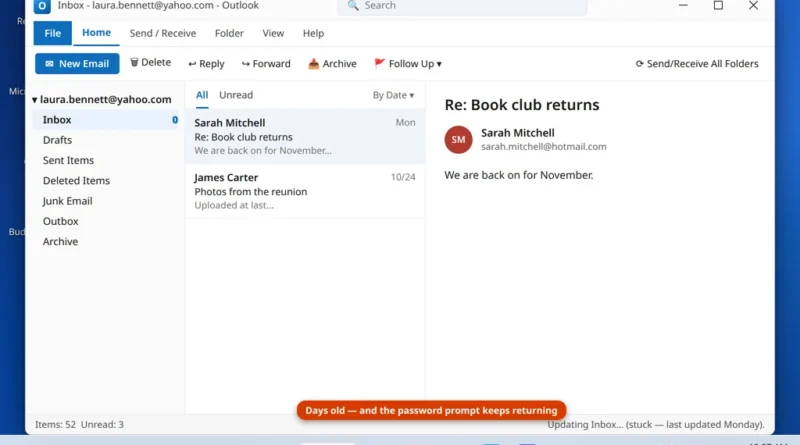
Yahoo Mail in Classic Outlook fails in a particular, frustrating way: the account is right there in the folder pane,
Read More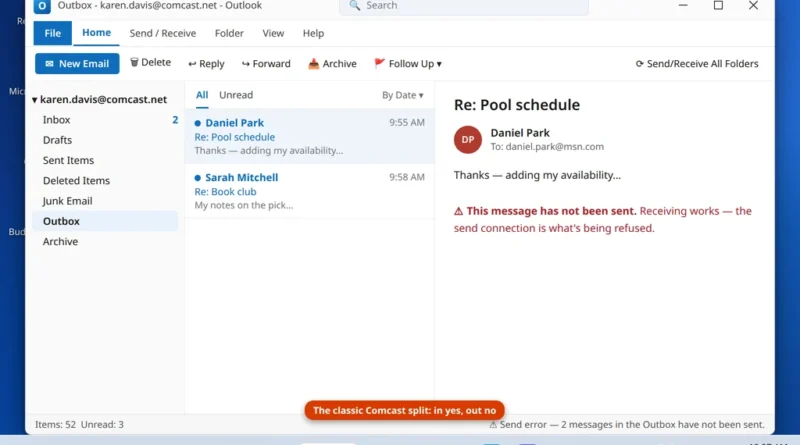
Comcast email not sending in Outlook is frustrating precisely because receiving keeps working, which makes the fault look like a
Read More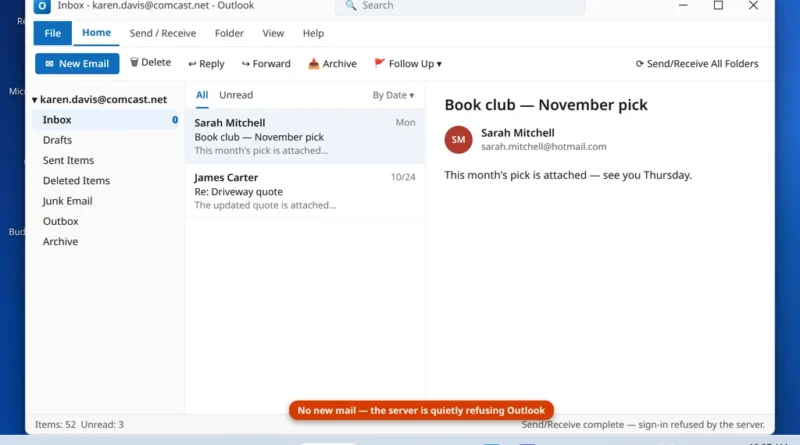
Comcast email in Outlook now fails in two completely different ways, because Comcast email itself now lives in two different
Read More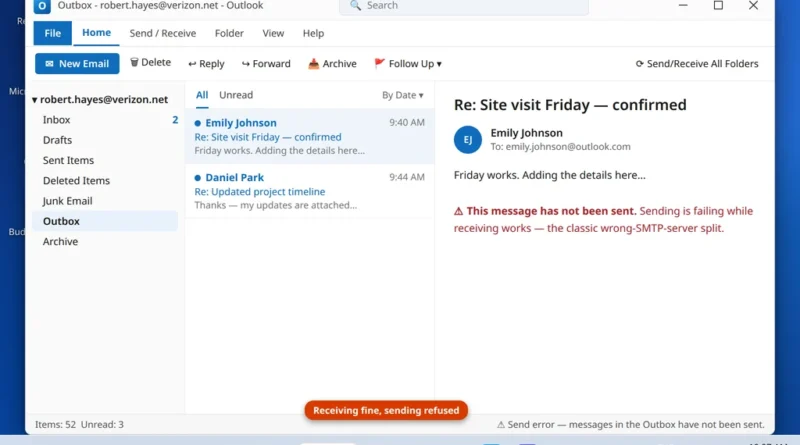
If your @verizon.net email receives perfectly in Outlook but every message you write sits in the Outbox or bounces back
Read More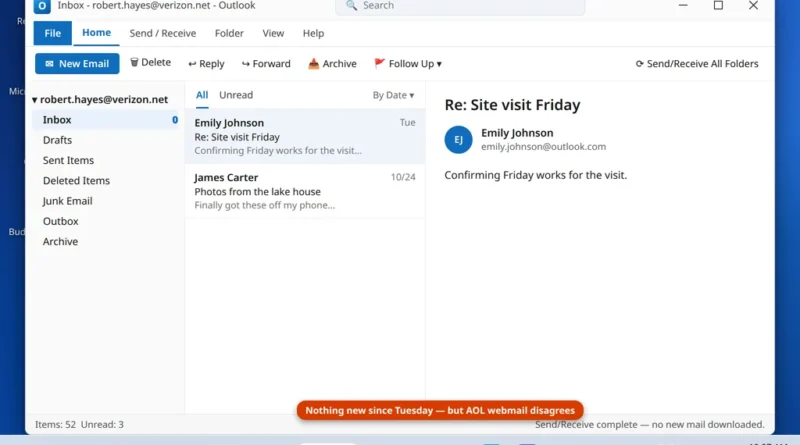
Here is the fact that unlocks every Verizon email problem: your @verizon.net mailbox has not been run by Verizon since
Read More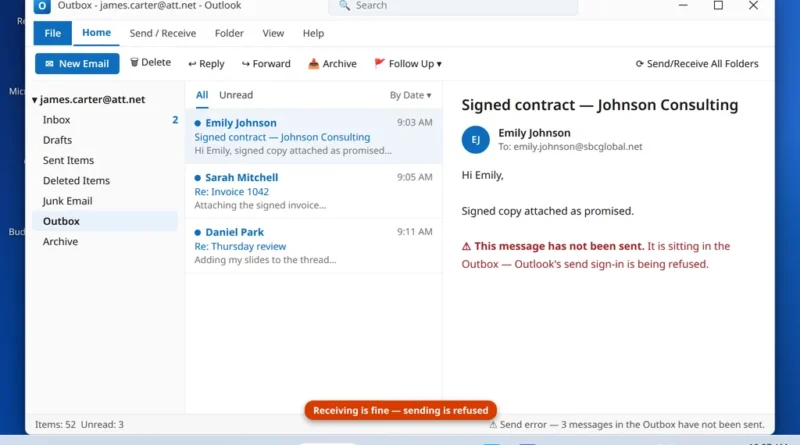
“I can receive but not send emails using my AT&T address from Outlook.” That exact complaint fills Microsoft’s Q&A forums,
Read More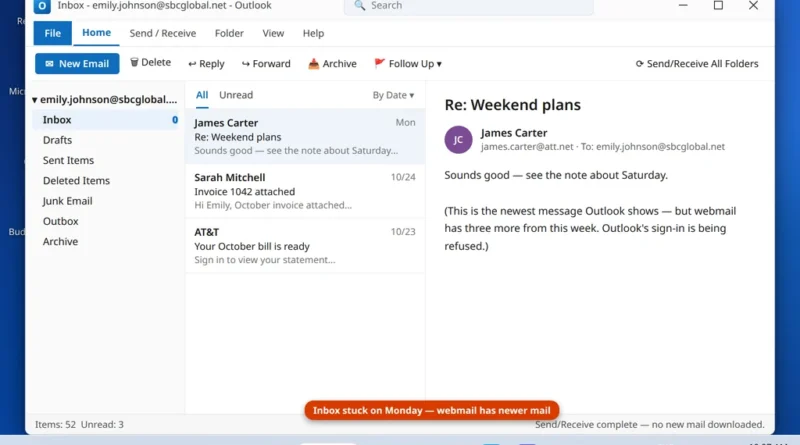
When sbcglobal email not receiving in outlook is the problem, the cause is usually the sign-in, not the mailbox. If
Read More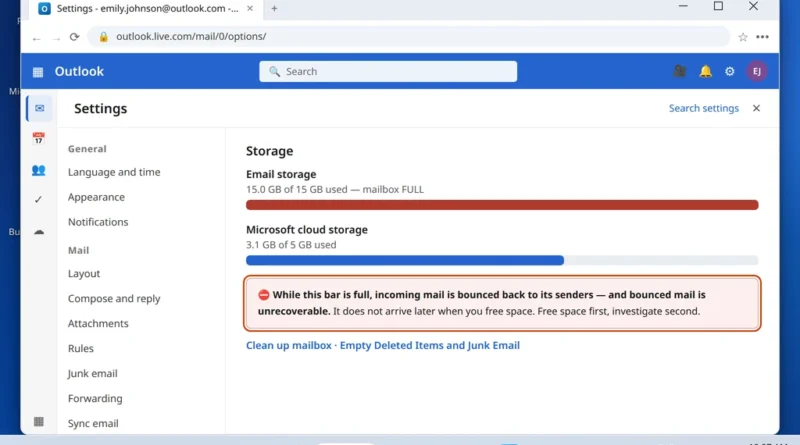
Sending works. You can fire off an email right now and it leaves without complaint. But incoming mail has stopped
Read More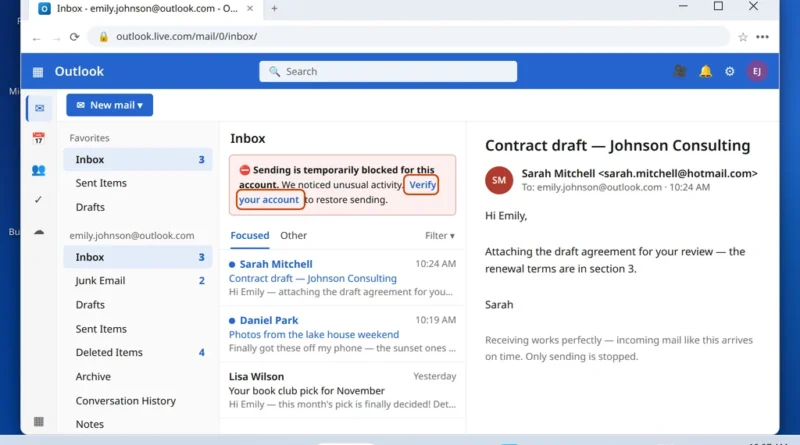
Your Outlook.com inbox is filling up normally — new mail arrives on time — but nothing you send goes anywhere.
Read More